
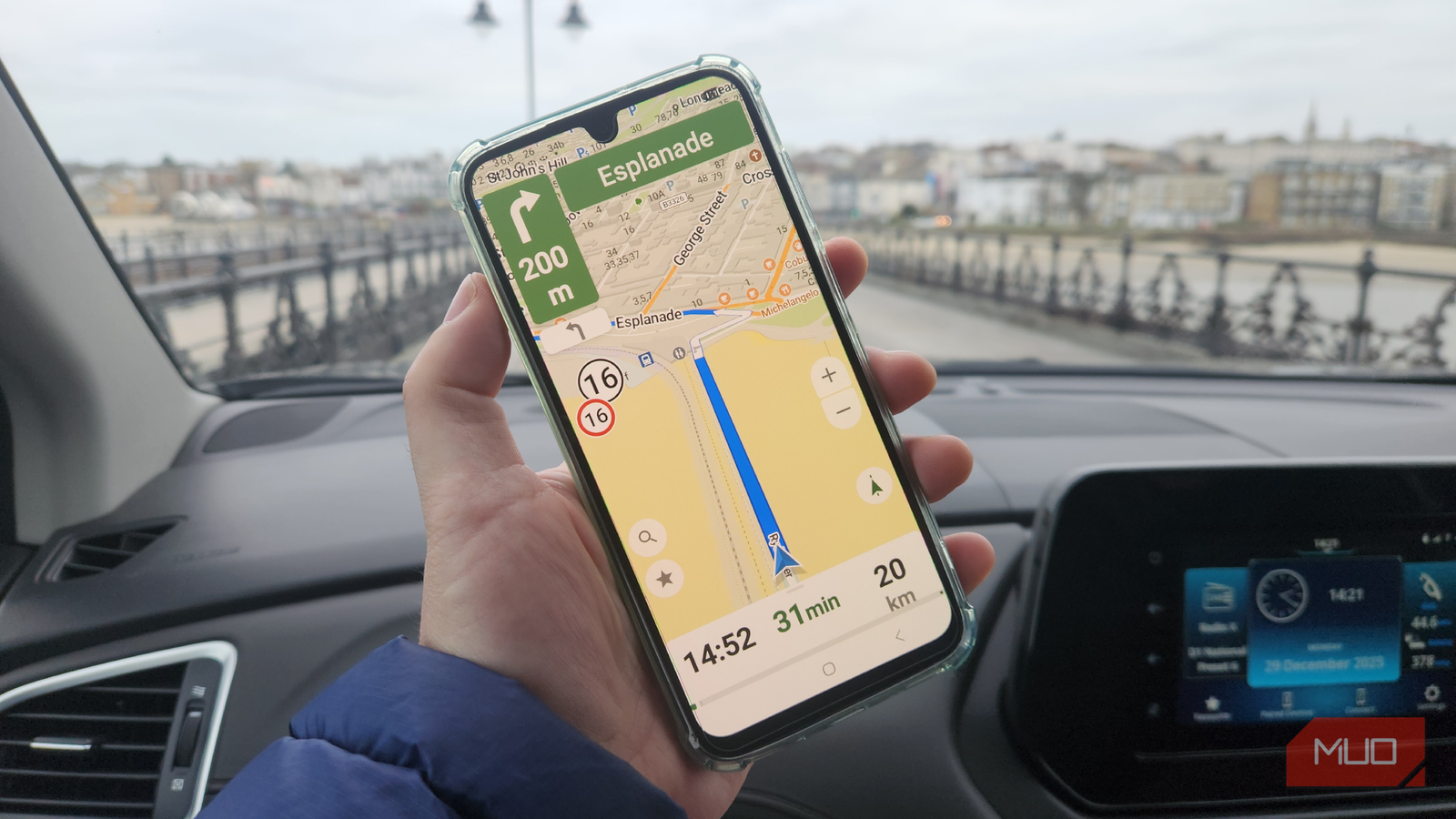
Google Maps has always been a source of mixed feelings for me. On the one hand, it’s undeniably powerful and intuitive. On the other hand, there is a discernible trade-off regarding privacy, openness, and user control that I’ve never been entirely comfortable with.
For this reason, I’ve experimented with various alternatives, including OpenStreetMap-based apps like Sygic, privacy-first navigation tools like Magic Earth, and even offline-focused mappers like HERE WeGo, but none offered that same comprehensive suite of user information, real-time traffic analysis, and practical navigation features that Google Maps excels at.
This is where CoMaps feels different. It isn’t another imitation of Google Maps; it offers a more thoughtfully constructed, open, and community-driven approach to navigation. If you like the idea of an open-source, downloadable Google Maps alternative with modern features and usability, then this might just be the solution that you were looking for.

- OS
-
Android, iOS
- Price model
-
Free
CoMaps is a community-driven navigation app that provides free, privacy-first, offline maps, powered by open-source data.
True open-source transparency
A Google Maps alternative that you can trust

The most compelling reason CoMaps stood out to me is its commitment to being fully open source. Unlike most platforms, where users have to trust that their data is handled responsibly, CoMaps allows anyone to inspect, audit, and improve the code. What this means is that where many navigation apps (not least Google Maps) are optimized for data collection and advertising, CoMaps prioritizes functionality, with a strong focus on accuracy and ethics.
Open source means that CoMaps has longevity. If something breaks or requires improvement, the community can fix it. It also means that user privacy is paramount. With its fully downloadable functionality, the app puts privacy first by design, so navigation doesn’t require constant account sign-ins, and location data isn’t automatically tied to a massive advertising ecosystem. Like many of us, I have grown tired of feeling tracked at every turn, or whenever I search for a restaurant or hotel, so this is a refreshing shift in approach.
A contribution-led strategy means improved detail at the local level
CoMaps is built on open mapping data and community contributions, which significantly works to its advantage. During practical testing, I found that intricate details such as small footpaths, bike-friendly routes, locally named landmarks, and recent map changes can appear more quickly as local users add them. This is a more organic approach to navigation, in which issues can be fixed as they arise, resulting in more responsive functionality, especially for pedestrians, cyclists, hikers, and people in less car-centric environments.
CoMaps’ offline functionality and flexibility mean it’s great for going off the beaten track, international travel, hiking, and entering regions with spotty internet connections. I find its lightweight performance, downloadable maps, and deep customization options outshine Google Maps, where these features feel more limited and more of an afterthought.
Where CoMaps falls short
Google Maps is still more accomplished and comprehensive

While I have enjoyed using CoMaps, there’s no denying that Google Maps beats the competition hands down in certain areas. Its real-time traffic data, business listings, reviews, and integration with other Google services make it almost too convenient to pass up. This is especially the case when touring in cities with dense traffic, as I often do in Southeast Asia, and there are also areas where CoMaps feels rough around the edges.
For starters, I don’t like that maps must be downloaded before use. While the downloaded maps are among the best I’ve used, I wish CoMaps had an online navigation option with real-time traffic and route data. I also found the interface to be a little clunky, especially when selecting routes and adding stops. It is also short on features compared to much of the competition, especially apps like OsmAnd, which offer many functional layers, and it lacks the ubiquity of Google Maps, which is reflected in fewer reviews, less predictive routing, and a smaller ecosystem.
CoMaps isn’t intended to replace all of Google Maps’ features
Those looking for a blow-by-blow replacement for all of Google Maps’ considerable features will be disappointed by CoMaps, but that is not what the app appeared to set out to do. CoMaps prioritizes independence, transparency, and user agency, and thanks to its open-source nature, it is constantly improving. As more users contribute to its data and development, the quality gap between this David and Goliath of navigation apps shrinks by the day.
At the same time, Google Maps’ impressive array of features comes at the expense of our privacy, control, and openness, and many users are questioning these trade-offs. Therefore, CoMaps doesn’t need to be better than Google Maps at everything it does. It simply has to be good enough at its fundamental purpose while sticking to its core values.
CoMaps proves that an open-source, privacy-respecting, community-driven map can be genuinely helpful. While Google Maps still dominates in scale and convenience, CoMaps offers transparency, trust, and adaptability. If, like me, you prioritize accurate navigation without surrendering control over your data, this is one compelling alternative that is both ethical and practical.
