
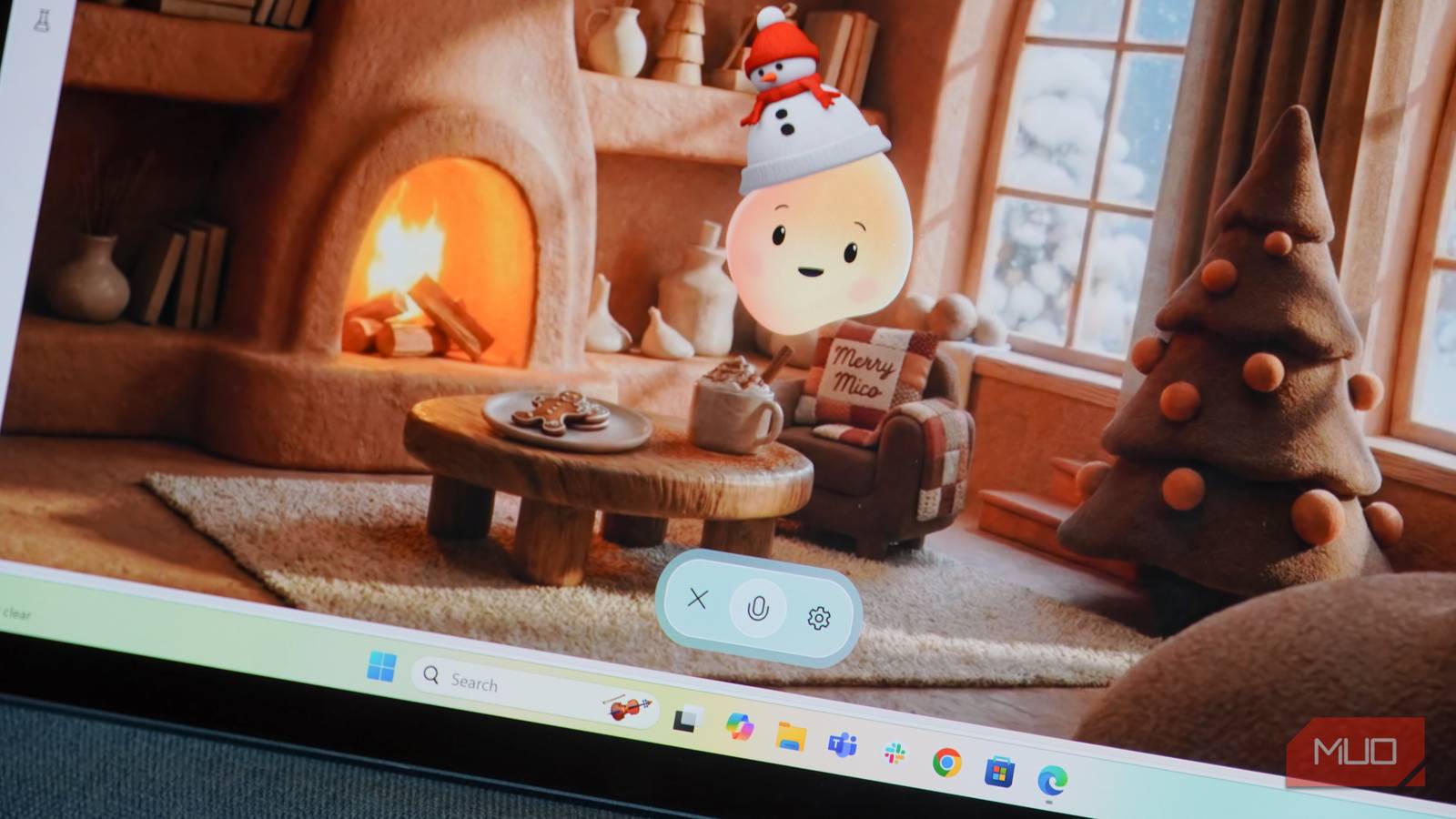
Microsoft’s strategy for AI has been a bit strange from the very beginning. It’s partly leveraging its stronghold on business software, delivering key AI integrations in Windows 11 and Microsoft 365 with the Microsoft Copilot chatbot and voice assistant. However, it’s also dead-set on making Copilot a cross-platform site while partnering with OpenAI to use the company’s latest AI models. Copilot is not without quirks — the AI chatbot’s desktop app, web client, and mobile apps occasionally support different features.
Arguably, Microsoft’s strangest AI bet came in October 2025, when it announced it made a “companion” named Mico. It’s a character that looks like a friendly blob that Microsoft describes as “expressive, customizable, and warm.” Luckily, Copilot’s friendly face is optional. It still begs the question: did anyone ask for Copilot to transform into a blob called Mico?
Mico wants to be your companion
Isn’t that a little weird?
You probably guessed where Mico gets its name from — it’s a shortened version of Microsoft Copilot. The character starts out as a yellowish-orange blob, but you can change Mico’s appearance and voice to match your preferences. It’ll move, talk, and laugh as it converses with you through voice. Mico is built on the existing Copilot Voice mode, and this character now gives a face to the AI chatbot.
It’s hard to pinpoint exactly what Mico is, since Microsoft consistently calls it an AI companion, and it also clearly resembles a virtual pet or talking emoji. Either way, it’s available now to all users in the U.S., Canada, and the U.K. on the web client and in the Copilot app for iOS and Android.
Mico isn’t like other chatbots, because it tries to be more than just a problem-solving tool. The AI-powered character also wants to be your friend, helping you navigate a variety of situations. Microsoft explains Mico “can support you in everyday moments, specifically when you could use a practice partner, a listener, a creative collaborator, or someone to help you make important decisions.”
In the demo video below, you’ll see the kind of situations where Microsoft thinks the Mico character could be helpful:
I spent time conversing with Mico on my Windows laptop, and the experience was certainly weird. The character tries to be friendly and human, adding filler words in its responses to try to mimic the cadence of a real person. It was impossible to hold a conversation with Mico without the blob making me cringe, and when challenged, Mico admitted it isn’t afraid of being cringey — for whatever that’s worth.
It’s not quite a Clippy successor
It’s more like if Gemini Live had a face

It’s hard not to think of Microsoft characters of the past when experimenting with Mico. Clippy, a paperclip with eyes that tried to help Microsoft Office users with writing in the late 1990s to early 2000s, certainly comes to mind. However, Mico isn’t like Clippy at all, or any other animated Microsoft character of the past.
That’s partly because Clippy actually tried to be helpful, offering new features to Microsoft Office, albeit in an annoying fashion. By comparison, Mico doesn’t add anything to the Microsoft Copilot experience outside of bringing a visual component to Copilot’s Voice mode. It’s like if Google gave the Gemini Live voice assistant a face, or if OpenAI turned ChatGPT Voice into a talking pet. I guess chatting with Mico is more engaging, but you’re still talking to an AI model.
Microsoft did learn from the Clippy disaster, though. Mico is completely optional and surprisingly difficult to find if you’re not looking for it. To activate it, you need to start a Copilot Voice conversation on the web or in the mobile app. Clicking the Settings gear while in voice mode will reveal a Show Mico toggle. Only then will Microsoft’s AI pet take over the Copilot web app and start chatting with you.
Is Mico the future of Copilot?
Mico feels dystopian, and I’m not sure what could fix it

Microsoft made some bold claims when Mico was released, stating that the company’s mission is to create human-centered AI. The brand wants AI to be “helpful, supportive, and deeply personal.”
Mico fits that bill, but that’s also somewhat alarming. For example, a sample use case for Mico is to “talk through whatever you’re dealing with and share what’s really on your mind, whether you’re feeling up or down.” This concerns me because no matter how adorable Mico looks or how friendly it sounds, it’s not a real person, and it’s definitely not a therapist. Artificial intelligence is unpredictable, and there’s no way to know for sure how AI “companions” like Mico will respond at any given moment.
Microsoft’s idea with Mico is suspect, but the implementation might be worse. While chatting with Mico, I saw animations stutter and heard voice distortion regularly. The dynamic, multimodal interface seems to be demanding, and it might be too difficult to transmit that much information from Microsoft servers to Copilot web clients in real time. This is a Copilot Labs experiment, so it’s possible Mico becomes more stable over time.
For now, I can’t think of a single use case for Mico on Windows, iOS, or Android. It isn’t a better voice assistant than the standard Copilot Voice mode, and I don’t trust an AI model to be my “companion” at the moment.
