
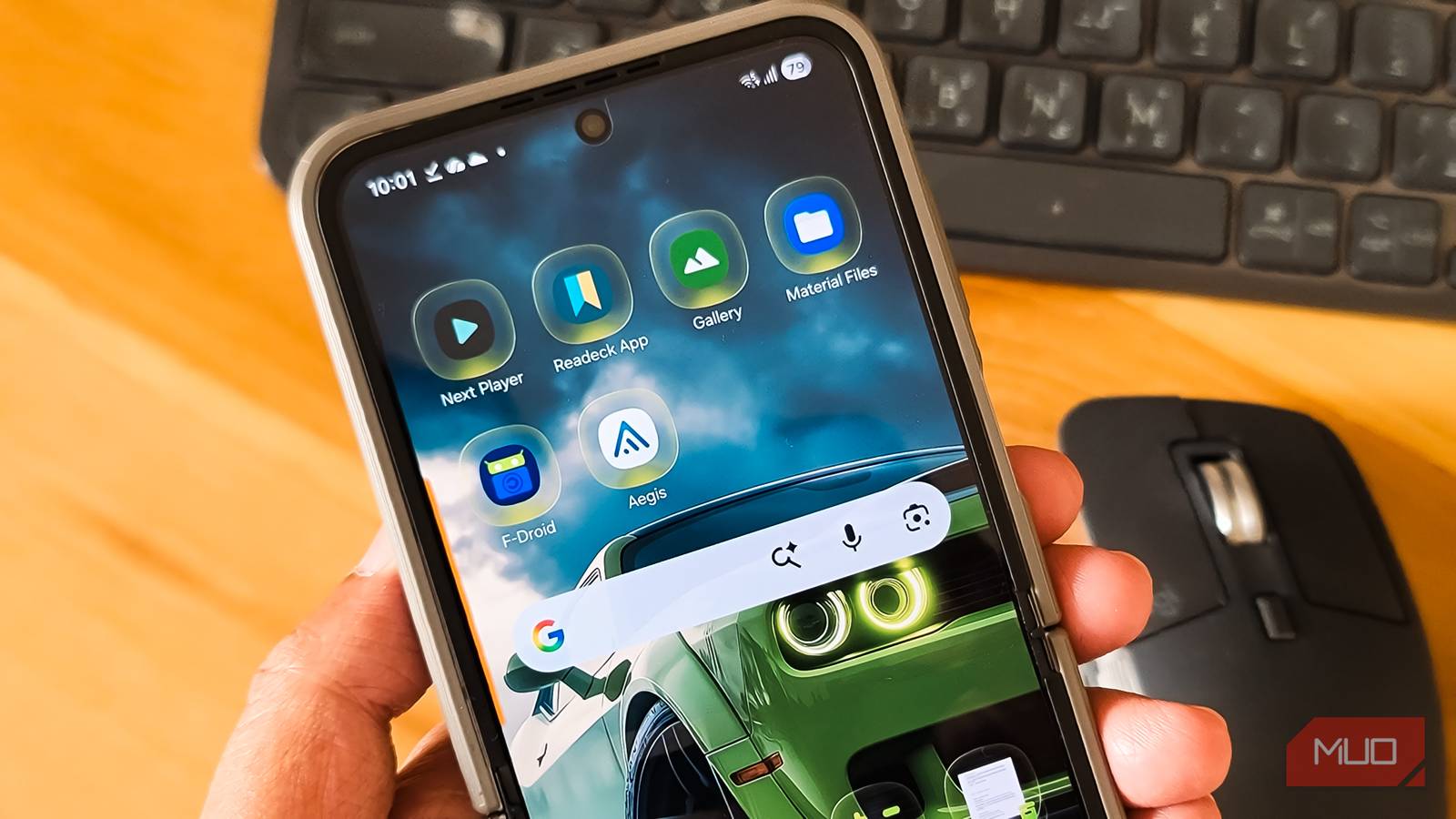
Google’s default Android apps aren’t bad, but they’re not great either. The file manager is still very basic and lacks FTP features, the media player only supports standard formats, and the authenticator app lacks a local-first encrypted export. Then there’s a genuine concern about privacy and data ownership.
Open-source alternatives have quietly solved these problems. They offer cleaner interfaces, better privacy, and features Google still hasn’t implemented. If you’ve felt stuck with Google’s defaults because you didn’t know better options existed, these apps are worth a look.
Material Files
A file manager that actually feels like one

I switched to Material Files as an alternative to Google’s built-in file manager, and I haven’t looked back. It’s a clean, intuitive file manager that does everything Google’s Files app does, plus features that make you wonder why Google hasn’t copied them yet.
The interface uses breadcrumb navigation, so you can jump to any folder in your path without repeatedly tapping the back button. The navigation drawer shows all your storage locations with clear icons, including SD cards and connected devices. Small things, but they add up when you’re moving files around regularly.
What sold me was the network storage support. Material Files lets you connect to FTP, SFTP, SMB, and WebDAV servers, so my NAS appears right alongside internal storage. I’ve transferred multi-gigabyte files over SFTP without issues. There’s even a built-in FTP server that turns your phone into a file host when you need to grab files from another device. Google’s Files app can’t do any of this.

- OS
-
Android
- Price model
-
Free, Open-source
Material Files is a clean, open-source Android file manager with Material Design, dual-pane navigation, archive support, root access, secure file operations, and a fast, clutter-free experience.
Next Player
Modern design meets serious codec support

Most people stick with their phone’s default media player because it works well enough. But if you’ve ever tried playing a high-efficiency video format or lossless audio file, you’ve probably hit a wall. Next Player handles all of it while looking better than any stock player I’ve used.
It’s one of the first media players to adopt Material You, Google’s modern design system. The interface matches your system theme and feels native to Android in a way that VLC, despite its power, never quite managed. The home screen shows only folders with supported media, and the player UI keeps the most-used controls visible without digging through menus.
Under the hood, Next Player supports H.264, H.265 (HEVC), and AV1 for video, plus specialized audio formats like FLAC, ALAC, and TrueHD. The gesture controls are responsive, and you get multi-track support for switching between audio streams or subtitles. I still use VLC for streaming from my NAS or casting to other devices, but for local playback on my phone, Next Player is faster and more pleasant to use.

- OS
-
Android
- Price model
-
Free
Next Player is a modern Android video player with gesture controls, subtitle support, hardware acceleration, clean interface, and offline playback, designed for smooth performance without ads or unnecessary permissions requests.
Fossify Gallery
Your photos stay on your device

Your default gallery app isn’t as private as you think. Most stock gallery apps connect to cloud services for features like backup, sync, and smart suggestions. That means your photos get analyzed on remote servers, and you have little visibility into what’s collected or how long it’s stored.
Fossify Gallery takes the opposite approach. It shows only local photos and videos with no cloud integration, no server-side analysis, and no AI-generated “memories” profiling your behavior. Your media never leaves the device unless you explicitly share it.
The app is surprisingly capable for something so privacy-focused. It scans and displays media quickly, even on older phones, supports RAW files, includes a built-in editor with crop and filter tools, and lets you password-protect specific folders for sensitive photos. You lose automatic cloud backup and cross-device sync, but if those aren’t priorities, Fossify Gallery does the core job of being a gallery extremely well. It’s part of a whole suite of open-source apps that can replace expensive subscriptions.

- OS
-
Android
- Price model
-
Free (open-source)
Fossify Gallery is a lightweight, open-source Android gallery app focused on privacy, offline access, clean design, basic editing, no ads, no tracking, and full control over your local photo library.
Aegis Authenticator
Your 2FA codes stay under your control
My issue with Google Authenticator isn’t security—it’s control. Your 2FA secrets live inside Google’s ecosystem, backed up through cloud sync tied to your Google account. You can’t audit how that sync works, and if something goes wrong during a device transfer, you’re locked out of your accounts while your keys are mediated by someone else’s infrastructure.
Aegis stores all 2FA secrets in an on-device vault encrypted with AES-256-GCM. The decryption key never leaves your device. Even if someone gets your backup file, they can’t read it without your password. No cloud services in the trust chain, no account linking, no verification emails.
Backup and migration work the way they should. Aegis creates an encrypted backup file you can store anywhere—local storage, your own cloud, or a hardware key. To restore, you install Aegis, import the file, and enter your password. That’s it. The app itself is pleasant to use, with a clean account list, search, categories, and configurable lock timers. Being open-source means you can verify precisely how your keys are handled, which you can’t do with Google or Microsoft’s closed-source authenticators.

- OS
-
Android
- Price model
-
Free
Aegis Authenticator is a secure and open source app for Android to manage 2-step verification tokens for online services. It allows you to export or import from a wide variety of 2FA apps and has support for automatic backups.
F-Droid
An app store without the tracking

Leaving Google Play Store isn’t easy since most of your favorite apps are only available through Google’s repository. But if you’re willing to make some adjustments, F-Droid offers a more private and secure Android experience.
F-Droid is a volunteer-run, non-profit repository of Android apps that’s been around since 2010. All apps are free and mostly open-source. You can browse, install, and update apps without creating an account, which immediately reduces how much personal data you share compared to Google Play. The store highlights “anti-features” like tracking or non-free code, warning you before you install.
The trade-offs are real. App updates sometimes lag behind Play Store releases, mainstream proprietary apps like Discord or Spotify aren’t available, and the interface makes discovering quality apps harder than it should be. F-Droid works best as a complementary source alongside the Play Store rather than a complete replacement. But for open-source utilities, privacy tools, and apps like the ones in this article, it’s the natural place to find them. There’s a whole suite of free open-source Android apps you probably didn’t know about waiting there.
- OS
-
Android
- Price model
-
Free (open-source)
F-Droid is a free, open-source Android app store offering privacy-respecting apps, transparent code, no tracking, no ads, independent updates without relying on Google services, for security, control, and freedom users.
Open-source apps that are better and more private
These five apps prove that open-source alternatives can match or exceed Google’s defaults in both features and usability. Material Files gives you desktop-level file management, Next Player handles formats Google’s player can’t, Fossify Gallery keeps your photos truly private, Aegis puts you in control of your 2FA codes, and F-Droid opens the door to an entire ecosystem of privacy-respecting software.
The switch isn’t about abandoning convenience—it’s about getting more of it. These apps work just as smoothly as their Google counterparts, often with fewer limitations. The main difference is that your data stays where it belongs: on your device, under your control.
