
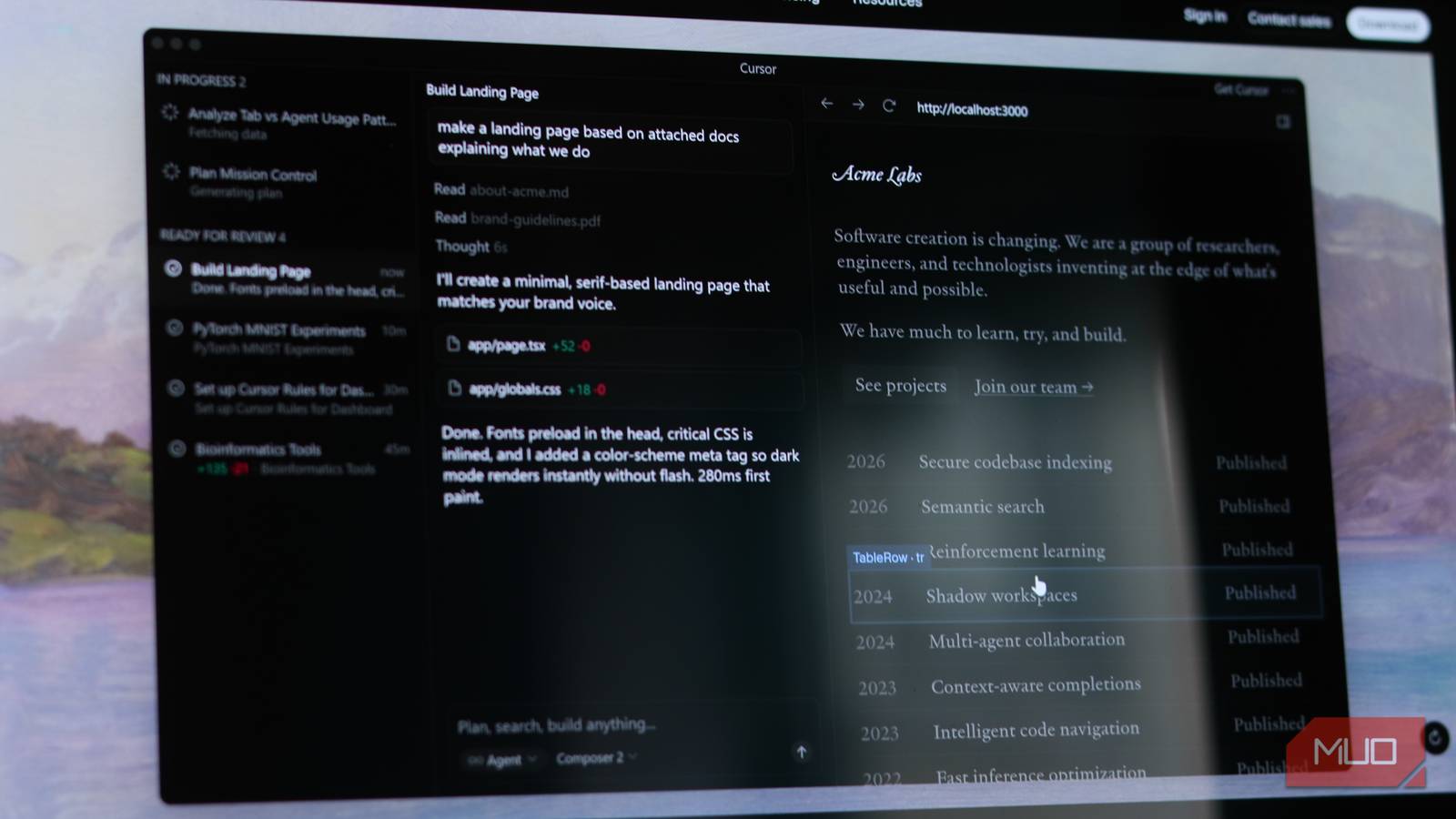
There are open-source tools that I’d happily pay for, and then there are tools like Cursor. It’s a $20 subscription that’s well worth the money, to the point where it’ll make you wonder why you were writing code without it in the first place.
But if you’re not willing to pay, the 50 premium requests and 2,000 completions can vanish pretty quickly. There are free alternatives that exist, but just like most free alternatives to a flagship paid program, they may or may not be the right one for you. Regardless, I decided to try every major free Cursor alternative, and one does seem to cut it right.
GitHub Copilot still sets the baseline
Polished, reliable—and not as free as you’d hope
One of the easiest ways to get access to an AI-powered coding assistant is GitHub Copilot’s free tier. On paper, it sounds pretty reasonable with 2,000 code completions per month and 50 chat messages. It also works inside multiple IDEs such as VS Code, JetBrains, Neovim, and even Xcode. The suggestions are reliable and fast, and if you’re already using VS Code, it integrates without any friction.
However, in practice, those code completion and message limits disappear more quickly than you’d think when you start using the tool for real development. The free tier also has no agent mode, no multi-file editing, and no autonomous task execution, among other more premium features. It’s a great tool to get started with vibe coding, but not quite a Cursor replacement until you pony up for a subscription.

- Developer
-
GitHub
- Price model
-
Free, paid versions available.
GitHub Copilot is an AI-powered coding assistant that acts like a pair programmer, suggesting and generating code directly in your editor to help you write software faster.
Windsurf tries to do it all
Ambitious features, but not everything lands
Windsurf, previously known as Codeium, is one of the closest Cursor replacements you can find. It’s a VS Code fork with AI baked in from the get-go. It’s also got Cascade, a feature that handles multi-file editing with codebase-wide awareness, much like Cursor’s Composer. The interface is clean, installation takes minutes, and the transition from Cursor is quite seamless.
However, the free tier is cripplingly limited. You get 25 credits a month, and once those run out, you won’t get access to premium AI features until the next billing cycle rolls around. The Pro plan is cheaper than Cursor’s at $15 per month, but it’s still a subscription nonetheless.

- OS
-
Windows, Linux, macOS
- Developer
-
Codeium
- Price model
-
Free, paid options available.
Windsurf is an AI-powered coding assistant designed to help you write, edit, and understand code directly inside your development workflow.
Cline feels surprisingly capable
Lightweight, flexible, and better than expected
Cline is an open-source VS Code extension that is technically free with no subscription. And that’s because you bring your own AI model. You can connect it to Claude, GPT, Gemini, or any other AI provider, but you’ll have to pay their respective API costs directly.
That could be significantly cheaper than a Cursor subscription, depending on your usage, but you’re paying nonetheless. On the bright side, it does have serious capabilities. Cline can create files, edit across your codebase, run terminal commands, and even browse websites for you. With the right model, such as Claude 3.5 Sonnet, a properly functional Cline setup can rival Cursor’s Agent mode. The catch is that your monthly cost may or may not be the same as a Cursor subscription.

- OS
-
Windows, Linux, macOS
- Developer
-
Cline
- Price model
-
Free, Open-source. Paid options available.
Cline is a cross-platform, open-source AI coding assistant for VS Code built by the Cline open-source community.
Interesting approach, but rough around the edges
Similar to Windsurf, Void is an open-source editor built on VS Code that aims to be a privacy-focused Cursor alternative. You can connect any LLM provider, including OpenAI, Anthropic, Google, or even run AI models locally using Ollama or LM studio. That last option is your best bet for privacy and is quite similar to building a local coding AI in VS Code.
The VS Code base means all your themes, keybinds, and extensions will carry over seamlessly, and performance is quite snappy. AI chat with codebase context also works well for straightforward tasks, but Void is still an early-stage project and lacks the polish that Cursor provides in more complicated, multi-step tasks.

- OS
-
Windows, Linux, macOS
- Developer
-
Void
- Price model
-
Free, open-source
Void is a cross-platform AI coding tool built by an independent team, still evolving but full of interesting ideas.
Zed is the wildcard here
A fast editor with AI potential baked in
Zed, unlike other options on this list, isn’t a VS Code fork or online service. It’s a code editor built from scratch in Rust, with AI workflows integrated as a core part of the editor’s architecture. The result is a code editor that performs beyond expectations, with large files opening in an instant and nonexistent typing lag. It even renders at 120 fps on supported hardware and uses a fraction of the system resources that similar Electron-based editors eat up.
The way Zed handles AI edits will catch you off guard. Instead of showing you a static Git-like diff to approve code changes, Zed streams each change it makes in real-time as the model generates it. You can watch the AI model go through your codebase and make individual changes, one at a time, knowing exactly which request triggered which change.
You get 50 AI prompts each month with the free tier, which isn’t a lot if you’re vibe coding multiple projects from scratch, and the overall experience is what makes up for that lack of requests. That said, Zed doesn’t have any of VS Code’s fancy extensions, nor its marketplace. Its own ecosystem is growing, but if you rely on a particular VS Code extension, a similar one may or may not be available in Zed.

- OS
-
Windows, Linux, macOS
- Developer
-
Zed
- Price model
-
Free, Open-source
Zed is a high-performance, multiplayer-focused code editor built by Zed Industries, currently strongest on macOS.
Free alternatives do exist, and one stands out
You don’t have to pay to get a solid AI coding workflow
Zed may be the more impressive of these options, but you might find other alternatives working better for your particular needs. If you want as much AI capability as possible, Cline with a cheap API key can deliver a lot of value. GitHub Copilot’s free tier is the most frictionless of all options, and if you’d rather keep your code local, Void is a solid option.

I finally set up a local coding assistant that works inside my editor — this stack is gold
Local AI > browser tabs. Not even close.
I ended up picking Zed not because it had the most features, but because of how it treats AI as a part of the editor’s core architecture—just like Cursor. Sometimes, the editor itself is the main benefit, not the bolted-on AI.
[ad_2]
Source link