
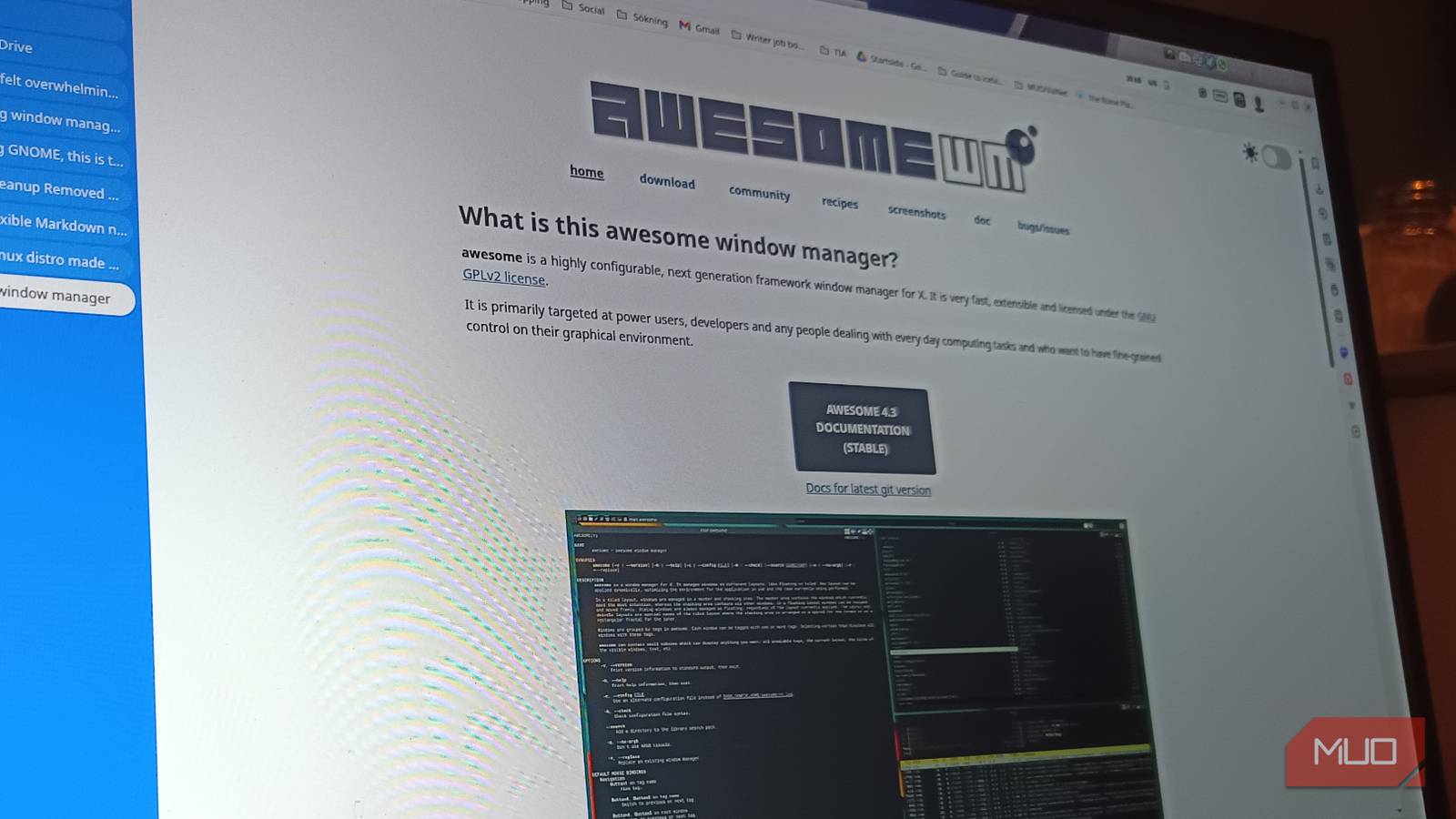
I didn’t switch to AwesomeWM because I wanted to optimize my workflow. I switched because I was annoyed. Not dramatic-annoyed, or “throw the laptop out the window” annoyed. Just that low, steady irritation that builds when you realize you’ve resized the same two windows three times in 10 minutes. When the browser is slightly too wide, and the terminal is slightly too tall, Slack’s hovering like it’s unsure of its purpose in life. When it’s drag, adjust, resize, and repeat.
At some point, I stopped and thought: Why am I doing layout work before I’ve even started the actual work? My desktop felt like a needy coworker. Functional, but always asking for something. So I installed AwesomeWM. And I didn’t expect it to stick.
My floating desktop wasn’t broken, just exhausting
Too much freedom meant too many tiny decisions
Floating window managers sell you flexibility. Put anything anywhere, resize however you want, and stack windows like you’re building a digital lasagna. And sure, that sounds empowering. Until you realize you’re making micro-decisions all day long:
- Where should this go?
- Is it covering something?
- Why is the terminal gone again?
- Did I just drag that five minutes ago?
You don’t consciously think about these things, but you do them constantly. It’s background noise. And I didn’t realize how loud it was until it stopped.
On busy writing days, I’d have five or six things open. They overlapped, and I alt-tabbed like I was speedrunning anxiety. I adjusted layouts because something always felt slightly off. Nothing catastrophic. Just… friction. I didn’t want more features, but fewer decisions.
Installing AwesomeWM wasn’t the heroic leap I expected
It was awkward for a week, then it clicked
AwesomeWM has this reputation with Lua configs, custom dashboards, and people with pixel-perfect setups they’ve clearly nurtured for years. I assumed it would swallow a weekend. It didn’t. The installation is pretty straightforward. On a Debian-based system, open the terminal and:
sudo apt update
sudo apt inistall awesome awesome-extra
The default layout works. You log in, open apps, and they tile automatically without asking for your opinion on spacing. The first time I opened a browser and a terminal and didn’t have to resize either of them, I genuinely paused. I really had to ask myself: That’s it?
There was a week of awkwardness. I forgot shortcuts, I reached for the mouse, and then remembered I didn’t need it. I opened too many windows and watched the layout shrink into something slightly ridiculous. But then my hands learned, and my habits adjusted.
What actually changed once I stopped fighting the layout
The screen became honest about how I was working

When windows tile automatically, everything stays visible. If I open too much, the screen reflects that immediately. You think you’re multitasking productively. The layout says otherwise.
There were days I’d open six things out of habit and immediately felt the visual clutter. Not because AwesomeWM was broken, but because it was honest. So I started closing things. Not as part of some grand productivity system. Just because the mess annoyed me.
Workspaces helped too. Writing in one place, communication somewhere else, and system admin nonsense banished to its own corner of existence. When I switch, I actually switch. No Slack peeking from the side or half-hidden browser tabs whispering temptations.
It’s not that I’m faster. I’m just less scattered, and that feels surprisingly different.
The pros and cons of letting a window manager have opinions
Awesome gives structure, but it demands adjustment

Let’s be real. AwesomeWM isn’t plug-and-play comfort food. There’s a learning curve. You will forget shortcuts, and you’ll look at the config file at least once and wonder what you’ve done. If you love dragging windows around with a trackpad like you’re arranging furniture, this will feel restrictive at first.
Tiling reduces overlap, workspaces feel deliberate, and keyboard navigation becomes natural faster than you think. The layout stops being something you constantly maintain. It also scales better than I expected. Two apps look clean. Five apps still feel structured instead of stacked. I like that.
I’m not going back

I boot into a traditional floating setup sometimes, just to see if I’d romanticized this. Within minutes, I’m resizing windows again. Nudging edges and dragging things so they line up properly. It feels unnecessary. AwesomeWM doesn’t make me a productivity superhero. It just removes that constant background negotiation about where things should sit.
I open what I need and it fits. If I want a different layout, I switch it deliberately instead of dragging things around on instinct. I switched to AwesomeWM because I was tired of doing layout maintenance in between actual work. Now the structure is handled, and I get to focus on what I opened the laptop for in the first place.
