
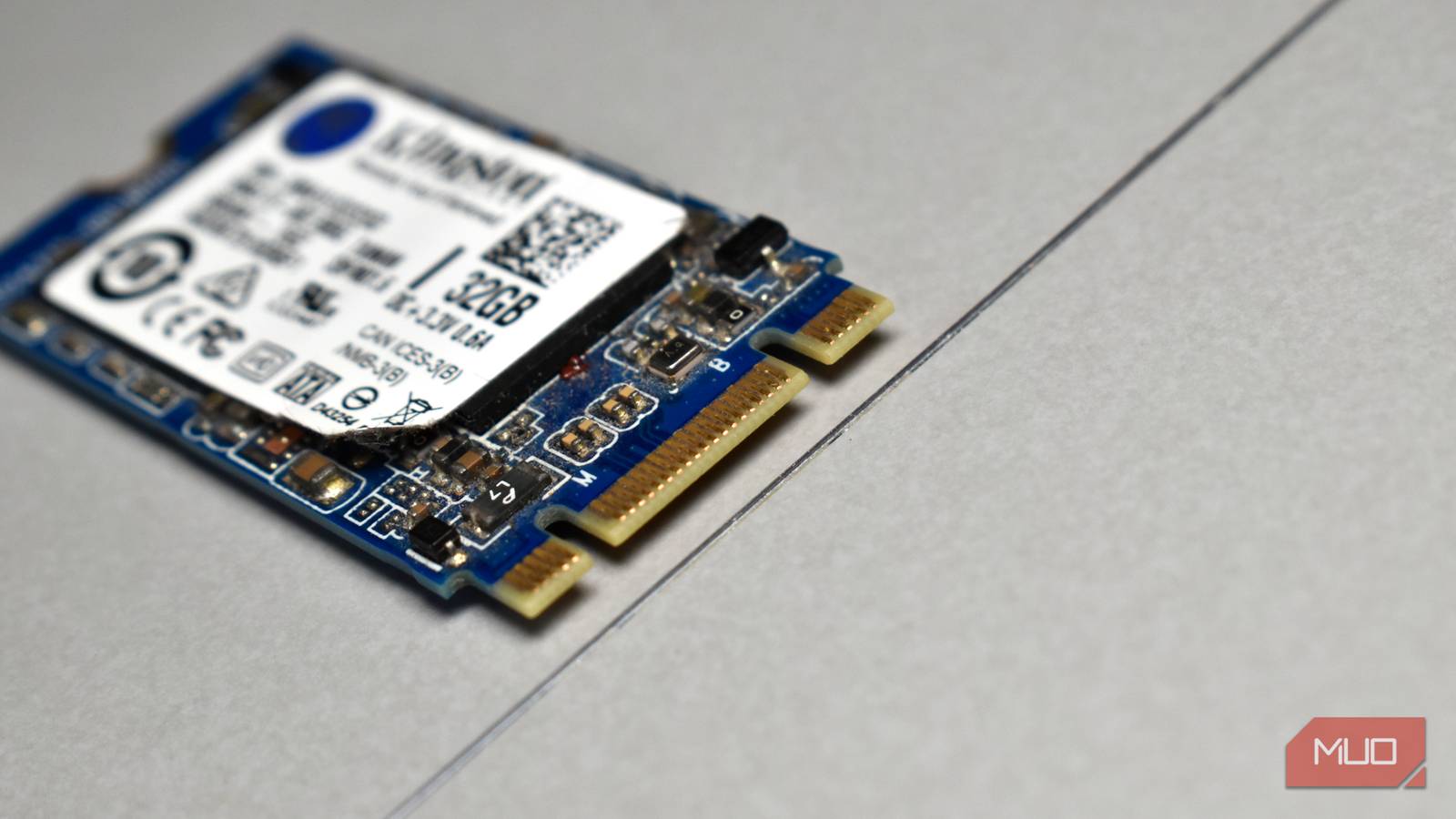
I remember the sad times before SSDs were ubiquitous. We are now spoiled by lightning-fast boot times, near-instant app launches, and transfer speeds that make hard drives look like they belong in the Stone Age. So when I came to realize that SSDs slow down over time, it felt like a design flaw, or, worse yet, planned obsolescence. Either way, I can’t say I wasn’t a little disappointed.
However, I was missing an important point. SSD performance decay is a natural consequence of how flash memory works. In reality, this issue is less about our computers degrading and more about how we use them and the expectations we place on them. Sure, your SSD will slow down over the course of its lifetime, but this isn’t an immediate problem that demands an upgrade.
Why SSDs slow down
Flash memory will age, but your controller is here to help
SSDs slow down because of how they store data. Flash memory is made up of tiny cells, each of which can be written to and erased a limited number of times. As with most things in life, as the drive ages, its cells wear out a little at a time.
To address this, your SSD’s built-in “brain” (called the controller) must work harder, spreading data around the drive to ensure that no single area wears out too quickly (this is called wear leveling). It also cleans up old or deleted data in the background (garbage collection) and uses a small chunk of very fast memory as a buffer to keep things feeling speedy. After a while, especially during large file transfers, this buffer fills up, causing a drop in write speeds.
Why aging is usually fine
Controllers and firmware conceal slowdowns during casual use

The thing is, in real-world use scenarios, aging isn’t such an issue. Tasks like starting your computer, opening apps, loading games, or working on documents happen in short bursts and mostly involve reading data rather than constantly writing huge files. In a like-for-like scenario, even a slower SSD is considerably quicker than a traditional hard drive. In most cases, a benchmark is needed to detect differences between a new and older model.
Modern SSDs also do a great job of hiding their age. They use smart software, background cleanup, and clever caching techniques to keep performance snappy for years (I’m currently hammering away on a 2019 MacBook Pro that handles basic tasks with ease). It’s more typical for an SSD to be replaced to create extra space rather than because it’s slow. Nearly full SSDs have less space to juggle data, causing a significant slowdown. In fact, an older SSD with lots of free space will often feel much faster than a newer, fuller one.
SSD slowdown can matter for some people
Power users and professionals can feel the decline in performance

While the vast majority of SSDs handle casual use well, some users notice slowdowns—and they’re disruptive. Jobs such as video editing, software development, music production, or working with very large files involve writing large amounts of data over extended periods. In those cases, an SSD that’s slowing down can make everyday tasks take considerably longer.
When an SSD is pushed to its limits like this, workflows feel less smooth, performance becomes less predictable, and frustration builds. That’s why higher-end drives exist, as they’re designed to handle constant heavy use and keep speeds more consistent over time. When viewed through the lens of demanding workloads, SSD slowdown is far from okay—it really matters.
“Sometimes okay” is the crucial part here
The real issue is mismatched expectations, not failure

It’s true that slowdowns can matter, but that doesn’t contradict our main point here. It’s all about how the drive is being used. Consumer SSDs are designed for everyday tasks, and in these cases, a gradual slowdown over time is a reasonable trade-off for the speed, affordability, and energy efficiency they provide us.
Conversely, those of us who demand steady performance under heavy workloads are well aware of the need for more robust storage. And it’s achieved by using high-end drives with ample spare capacity and by scheduling regular hardware updates before they spot signs that their SSD is about to fail. In these instances, slowdowns don’t come as a shock; rather, they are an expectation that will be managed accordingly.
SSDs slow down, but that doesn’t mean something’s wrong
SSD slowdown may sound ominous, as yet another factor limiting the lifespan of our expensive devices, but it’s not all bad news. Slowing down is not a sign that an SSD is about to fail or that it was poorly designed. It’s simply what happens as the drive is used over time.
For most of us, this change barely affects how our computer feels from day to day. Sticking to basic principles, such as not filling the drive to capacity, often matters more than the age of our SSD. Once I understood this, I stopped worrying. As my old warhorse of a MacBook would testify, it’s just storage doing what it’s designed to do, and managing it well enough that I barely even notice.
