
There’s no shortage of creative ways to repurpose an old phone. You can turn it into a smart home sensor, a security camera, a digital clock, or even a dashcam. And while those are all great use cases, they can’t match the experience of dedicated devices that are designed for those specific tasks.
Instead of stretching your old phone into a half-baked security system or a permanently plugged in desk gadget, you can turn it into a distraction-free reading device. All you need is simple tweaks, and you’ll save yourself from spending $200 on an e-reader that you might only use occasionally.
Start with a clean, distraction-free launcher
Strip away the noise

An e-reader is all about fewer distractions, but smartphones are anything but peaceful. Unlock your phone, and you’ll see colorful app icons, notification badges, and a Discover feed that never seems to end.
So the very first thing you need to do is replace the default launcher on your phone with a clean, minimalist one. The Play Store is filled with plenty of good options, but my personal favorite is Before Launcher. It replaces app icons with a simple text-based list of your most important apps. And it’s lightning fast, which is exactly what you’ll want for your old phone.
Once the launcher is set, uninstall the apps and games you don’t need. This will do two things. First, it’ll make your old phone run slightly better. Second, it’ll reduce unnecessary distractions.
Finally, you need to set up Do Not Disturb. You can schedule it for all day or during your reading hours. With a minimalist launcher, fewer apps, and DND enabled, your old phone will start to feel less like a distraction and more like an e-reader.

- OS
-
Android
- Price model
-
Free, In-app purchases
Tweak display settings
Bring it closer to paper
The display is the biggest differentiator between a phone and an e-reader. E-readers use e-ink panels that are soft, matte, and easy on the eyes. Smartphones, however, have a bright glossy display designed for videos, games, and endless scrolling. So to make your old phone’s display comfortable to look at for hours, you need to adjust a few display settings.
The first step is to turn on a blue light filter. Every phone calls this feature by a different name. Some call it Night Shift, others call it Eye Comfort Shield. Whatever the name, they all do the same thing. Enabling this feature warms up the display by reducing blue light, which makes the phone easier on the eyes in the dark.
If your phone doesn’t have a blue light filter, or if you don’t like the warm tint, head to the accessibility settings and turn on Grayscale mode. It’ll strip away all the colors from your display to make it feel calmer. Another benefit of grayscale is that it makes everything else on the phone less tempting, so you’re less likely to waste your time on non-reading apps.
Set up your reading apps
Load it up with books

Once your old phone starts looking like an e-reader, it’s time for the fun part. Installing your favorite reading apps. Now, there’s no right answer here. You can pick the reading apps you prefer. For instance, if you already have a Kindle subscription, the Amazon Kindle app is a no-brainer. It’ll sync your books, highlights, and reading progress.
There are also others, like Libby, Apple Books, and Google Play Books & Audiobooks. My personal favorite is ReadEra. It doesn’t require you to create an account, shows no ads, and supports all the popular eBook formats. It doesn’t have the most modern-looking interface, which is what I like about it the most.
Of course, you don’t have to limit yourself to just one reading app. You could have two or three of your favorites and switch between them.

My old Android was laggy until I toggled this setting
I thought I needed a new phone—this tweak saved it.
Add a matt screen protector and a simple stand
Cut glare and add stability

Once you install a minimalist launcher, tweak display settings, and set up your reading apps, your phone should start behaving like an e-reader. The only thing that’s left to do is make it feel like one.
As I said earlier, the biggest difference between a smartphone and something like the Amazon Kindle is the screen finish. And the best way to give your phone’s glossy display an e-reader finish is by installing a matte screen protector. It’ll reduce reflection and give the display a softer, paper-like look. It’s a small change, but one that’ll make a big difference.
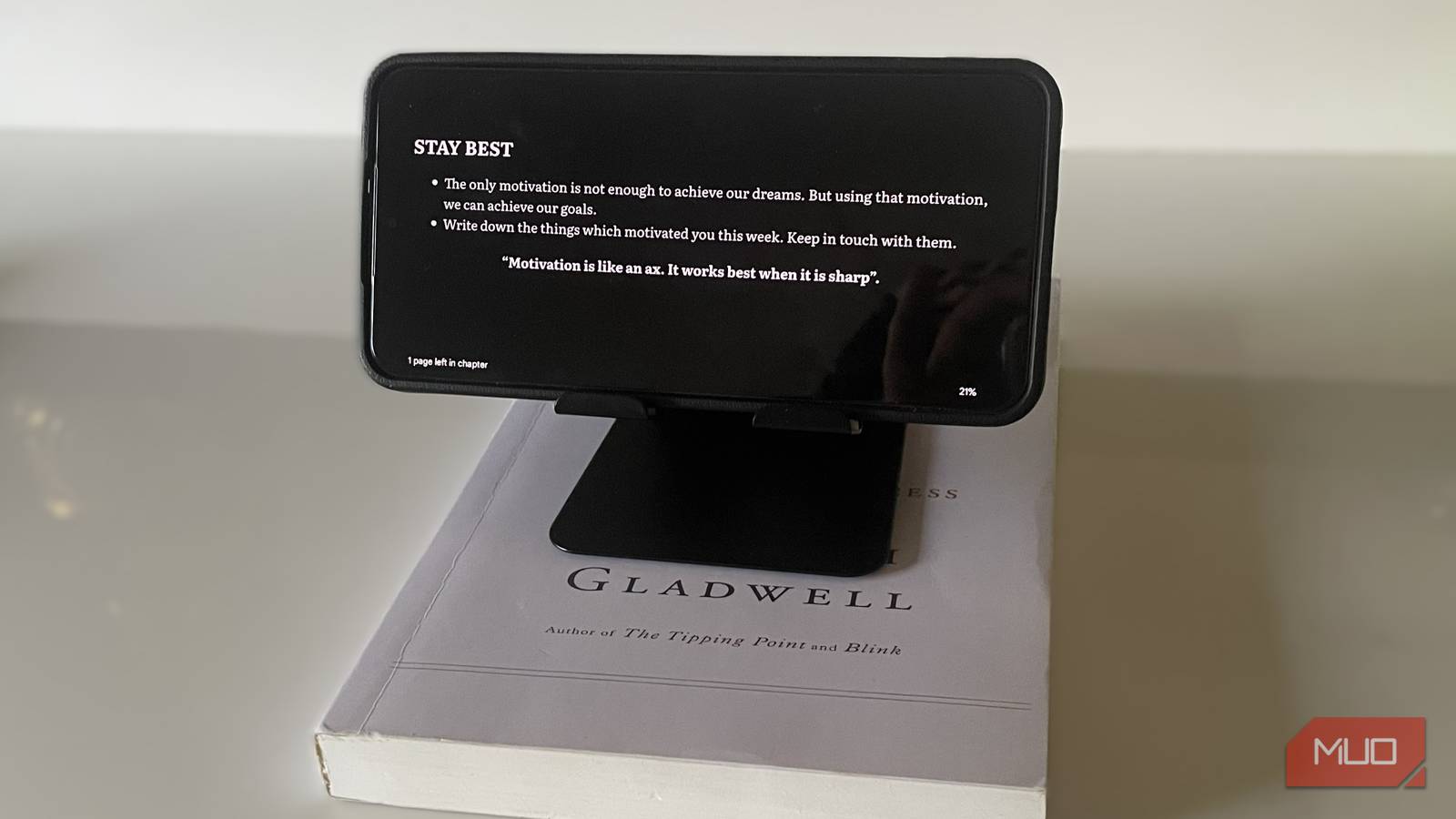
Finally, if you’re going to hold your phone for hours while reading, it’s a good idea to add a PopSocket grip or a phone strap that sticks to the back. If you’re planning to keep it on a table, get a phone stand instead.
Turning your old phone into an e-reader isn’t too complicated, and now that I’ve done it, I feel it’s the best way to breathe new life into an old device. Of course, if an e-reader is not something you need, there are also other ways to repurpose an old phone.
