
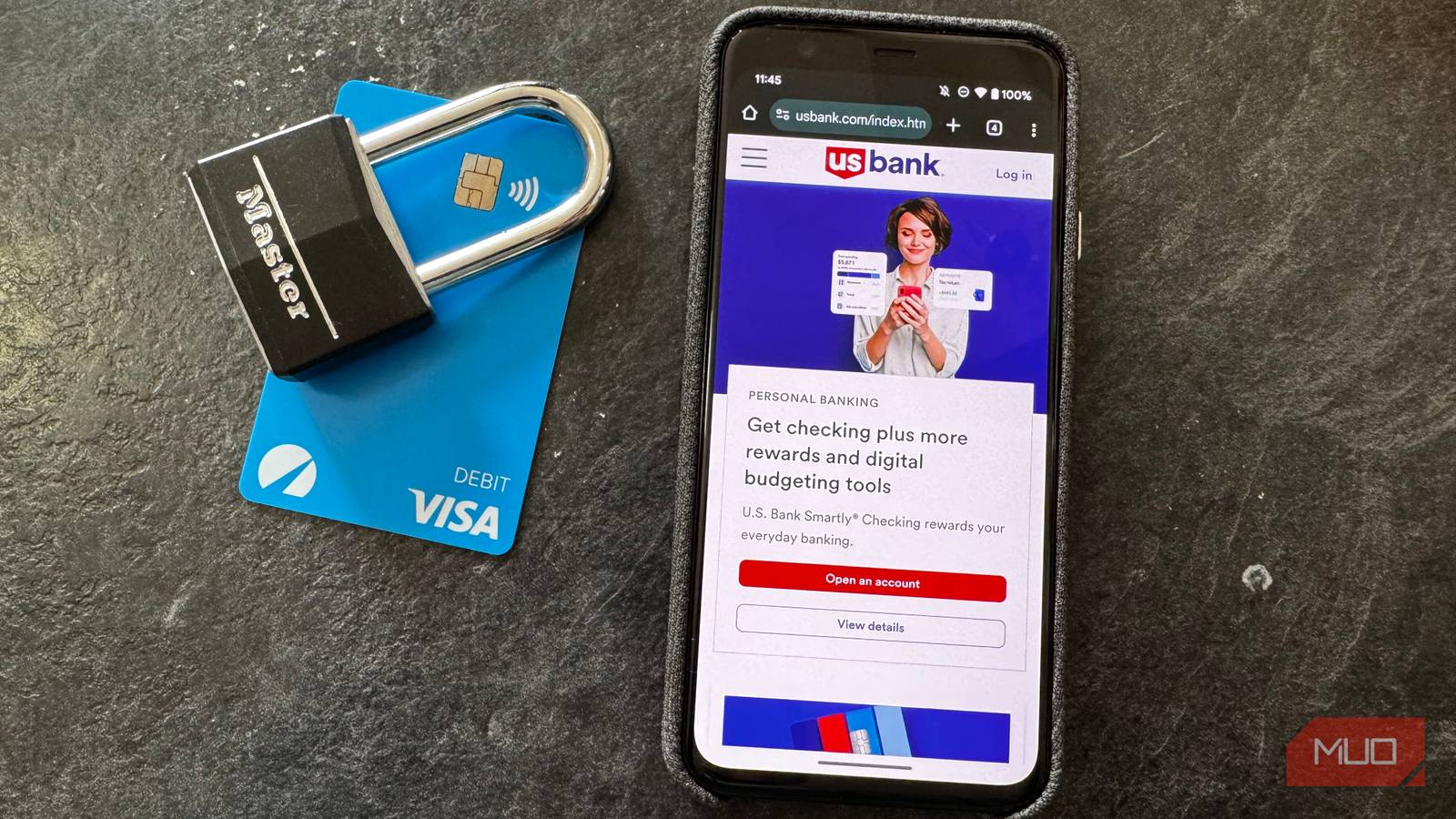
It’s frustrating that the most important website accounts are often the ones with the worst security options. I can set a 100-character password on a random forum account, while banks commonly limit your password to 20 characters (and sometimes without symbols).
My bank’s security options are poor compared to many other accounts, but I’ve still configured it to stay safe. This requires some creativity, but it’s worth doing if your bank’s site has the same basic security options.
Make your username random

Most accounts use your email address as a username. Given how often email addresses are leaked in breaches, attackers can easily get one piece of the puzzle.
However, my bank (and many others) instead make you set a unique username, independent of your email address, to log in. Because you can make this anything, it becomes another authentication step.
Instead of your real name, online alias, or email address without the domain, you should change your bank username to a random string. Use letters, numbers, and symbols if possible, as you would for a password.
This won’t protect you if the bank’s systems are breached, but it removes a layer of association between you and your account. When you have limited security options, every step like this matters.
Take full advantage of the password limit

It’s wise to push the password requirements to their limits. A 20-character password is still strong enough if you make it hard to guess. As we advise all the time, using a password manager to generate and store a random, unique password is essential.
Double-check the bank site’s requirements and make sure your password is as complex as possible. Max out the length, avoid repeated characters and dictionary words, and use symbols and numbers to mix it up. Then make sure your password manager is kept secure.
Give fake answers to security questions

While my bank doesn’t offer modern security tools like passkeys or 2FA via authenticator apps, it annoyingly still asks you to use security questions. These are a weak form of authentication since they’re easy to guess. Social media and public records let anyone look up info like your mother’s maiden name or the school you attended, and questions like the month your best friend was born have a finite number of possible responses.
Because of this, the best way to use security questions is to make up random answers for them. When asked what your favorite subject was in high school, provide an answer like “Anonymous Vengeful Rhinos”. People won’t be able to guess them since they have no relation to the question, meaning they act as another password.
As above, you should store these in your password manager so you don’t forget them. It’s a good idea to make them something easy to say aloud, because you might be asked for them to authenticate yourself over the phone.
Enable SIM swapping protection with your carrier

If banks offer any form of 2FA, it’s usually via SMS. And while SMS is one of the weakest forms of 2FA, it’s still better than nothing. You should enable it because you’ll be protected in case someone gets hold of your password.
Even if your bank forces you to use a weak form of 2FA, you can boost your security with your mobile carrier. SIM swapping attacks, where someone contacts your carrier and convinces them to port your number to a SIM under their control, have become more common and are the biggest risk with this form of 2FA.
As a result, all major carriers now offer the option to lock your phone number. This prevents your SIM from being moved unless you authorize turning the option off, which usually requires a PIN. Enabling your carrier’s SIM swap protection means you don’t have to worry as much while using SMS 2FA.
In turn, make sure your account with your mobile carrier is secured with a strong password and its available security options!
Turn on alerts in case something happens

While keeping your account protected from intrusion is the most important step, it’s also wise to take advantage of options that let you know if someone has broken in. This is how I instantly knew that someone had used my card fraudulently on Amazon earlier this year, for instance.
Depending on your bank, you should have the option to get an email, text, and/or push notification if someone logs in from an unfamiliar location. You should also enable alerts for when money leaves your account. If someone manages to log in and tries to send money to themselves, you have a better chance of stopping it if you realize and act immediately, rather than days or weeks until you notice it on your statement.
A random username, strong password, and SMS-based 2FA should be enough to protect your account. But when it comes to getting money back, acting faster is always better.
Less-than-ideal security doesn’t mean an open door
I wish banks would implement modern security options so we wouldn’t have to make do with outdated measures, but I doubt this will change anytime soon. It’s worth checking your account options occasionally to see if the bank ever adds new options or extends the password length.
But until then, take a few minutes to maximize your protection with what banks do provide. You should also be aware of the most common methods used to hack bank accounts, so you stay ahead of their tricks.
