
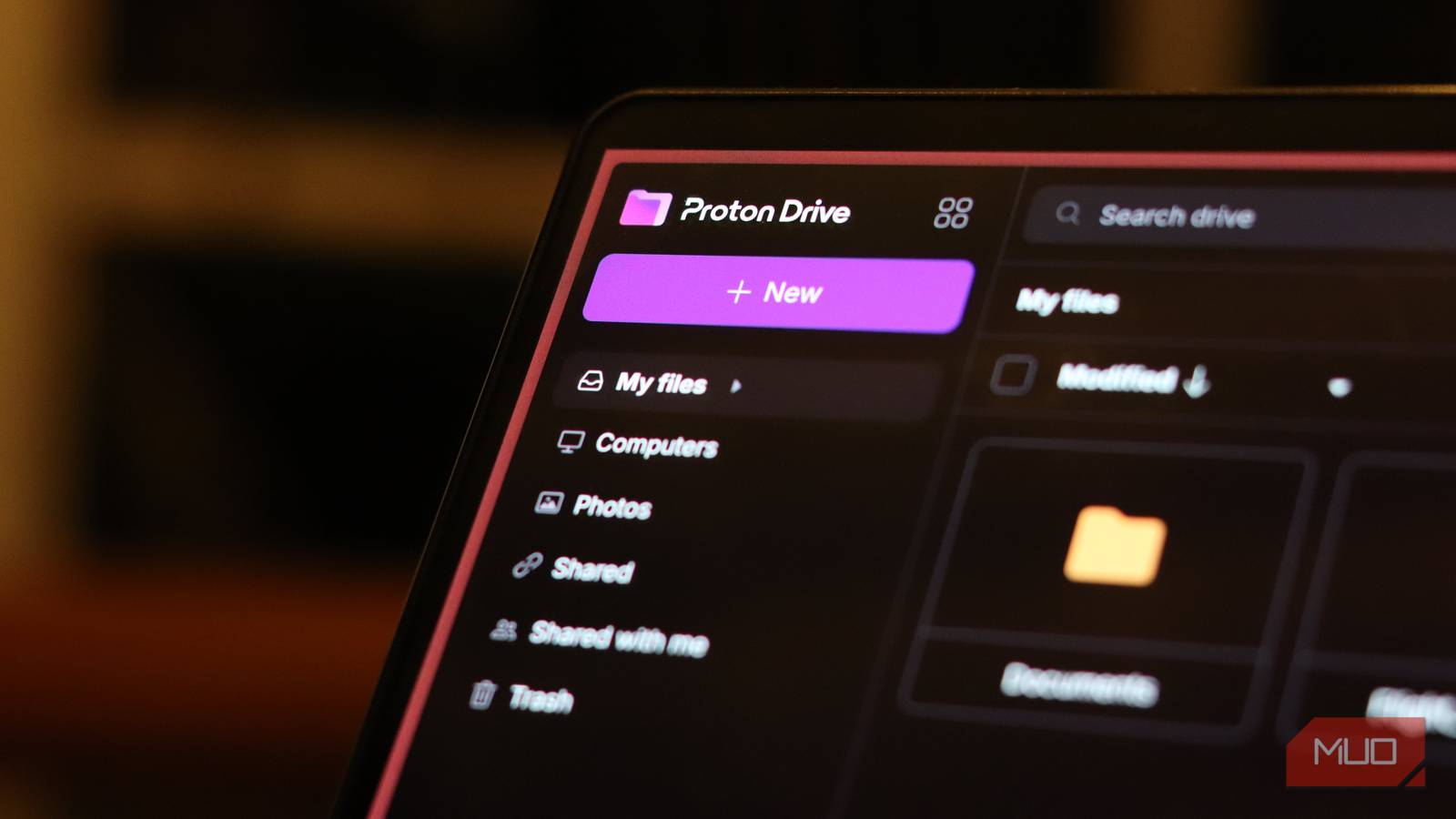
There’s no shortage of online cloud storage providers in 2026, but the majority of users are only familiar with a handful. These big players are great for convenience, but if you’re looking for a privacy-first storage solution, you’re going to have to look elsewhere.
Sure, you can self-host your own cloud storage using tools like Copyparty, but it still requires technical setup, not to mention extra hardware that you need to constantly keep running. So after years of bouncing between Google Drive, OneDrive, and Dropbox, I’ve parked my sensitive files in Proton Drive, the privacy-first cloud storage service from Switzerland. It’s not going to replace every convenience feature of the giants, but it’s replacing their biggest flaw: data privacy.
Why I finally walked away from the big three
Privacy policies that read like fine print traps

I’ll be honest, Google Drive, OneDrive, and Dropbox are slick. They sync fast, collaborate smoothly, and integrate neatly into your OS and apps. But that convenience comes with a trade-off no one likes to talk about as much anymore.
Your files, folder names, and even metadata about how often you open them are visible to the provider. Google and Microsoft can scan your content for ads, compliance, or internal tooling. Dropbox is built for collaboration and integrations, which means your data flows through a lot of third-party pipes. If you’re storing anything sensitive like tax returns, contracts, passport scans, personal notes, and more, trusting these services to keep your data private becomes difficult.
What Proton Drive actually gives you
A privacy-first alternative to Google, Microsoft, and more
Proton Drive is built on the same philosophy as Proton Mail: end-to-end encryption and zero-access architecture. That means your files are encrypted on your device before they leave it, and only you (and your chosen collaborators) even have the keys to decrypt them. Proton itself can’t see your file contents, file names, or folder structure. Even if someone seized their servers, they’d be staring at a sea of encrypted blobs. That’s a big deal compared to Google Drive or OneDrive, where the company can technically access your files if needed.
Swiss domicile is another selling point. Switzerland has strong privacy laws and is not part of the US-centric surveillance alliances that drag US-based tech companies into data-sharing games. Combine that with public audits, open-source-style transparency, and a business model that doesn’t rely on ads or data mining, and you’ve got a fundamentally different kind of cloud provider. In fact, Proton services are one of the best choices for protecting your privacy and de-Googling your life.
How the free tier really compares
Privacy doesn’t have to come at a cost

Proton Drive starts with 5 GB of free encrypted storage, which is modest compared with Google’s 15 GB bundle and equal to Microsoft’s 5 GB free quotas, but it’s genuinely private storage, not a loss-leader designed to upsell you into an ecosystem.
If you want more space or Proton’s business tools, paid plans scale up storage and add features like long-term file retention, team workspaces, and stricter compliance certifications (think GDPR, HIPAA-adjacent use cases, and ISO 27001-style controls). For many personal users, 5 GB is enough if you’re intentional about what you store there.
I’ve found it works best as a vault rather than a dump everything drive. Store PDFs, scanned IDs, contracts, sensitive notes, and backups of your most critical documents in Proton Drive, and keep your big media libraries and casual projects in one of the big three providers of your choice. That way, you keep the junk off the privacy-sensitive stack while still enjoying the convenience of fast syncing and collaboration elsewhere.
Usability is good enough, not perfect
Not as shiny as the giants, but you’re not missing any features

Convenience is where Proton Drive still feels a bit behind the big players. The web interface is clean, but not as polished or feature-rich as Google Drive. The desktop and mobile apps are solid, but they don’t have the same fluid, deeply integrated feel as OneDrive’s tight Windows integration. File sharing is secure with password-protected links, expiring shares, and revoke-anytime access, but it’s a bit more manual and less instant than the share-with-a-click flow you see in Google Drive or Dropbox.
I also can’t ignore the friction tax of encryption. Everything must be encrypted on upload and decrypted on download, so operations like opening certain file types or streaming large files can feel less snappy. Power users who are constantly editing videos, large CAD files, or constantly switching between apps may still find the big three providers more comfortable for daily use.
Where Proton’s approach stands out
Swiss jurisdiction and data protection laws

Proton shines where privacy is the first requirement, not an afterthought. For example, if you’re a freelancer storing client contracts, NDAs, or sensitive source material, if you’re a journalist or activist, keep backups of sensitive documents; or if you’re just someone who doesn’t want to live in a world where every file is implicitly scanned for analytics, Proton Drive shifts the power balance back to you. Proton Mail is already an almost perfect Gmail alternative, so the cloud drive just adds to the suite while providing more options to switch to secure services.
Photos, family documents, and financial records sit on what feels like a digital safety deposit box, not a smart-storage system that learns from your behavior. The My Computer style local-folder sync is a nice touch: you can point Proton Drive at existing folders on your machine and let it sync and encrypt the contents in the background without moving them into a proprietary virtual folder structure. That’s a small detail, but it makes migration feel less disruptive.
If you want privacy-first cloud storage, it’s there
Not for everyone—and that’s okay
Quitting major cloud storage providers isn’t practical for most people, and I don’t want to pretend otherwise. What I suggest instead is that you rebalance your cloud stack. I still use Google Drive, especially because I have an Android phone that uses apps and services that work best with Google’s own cloud storage. But my truly sensitive material, anything that makes me hesitate to store it in the US ecosystem, now lives in Proton Drive.

Why I’m Leaving Gmail and Using This Security-Focused Email Service Instead
I’ve been using Gmail for years, but it’s time to make the switch.
If your priority is maximum privacy first, convenience second, Proton Drive isn’t just a niche alternative; it’s the kind of service that finally makes encrypted cloud storage feel like a real, usable option rather than a hacker-toy compromise. It won’t win every feature-off against Google, Microsoft, or Dropbox, but it wins the one metric that matters most: who actually controls your data. And for me, that’s enough to call it a justified upgrade over the status quo.
