
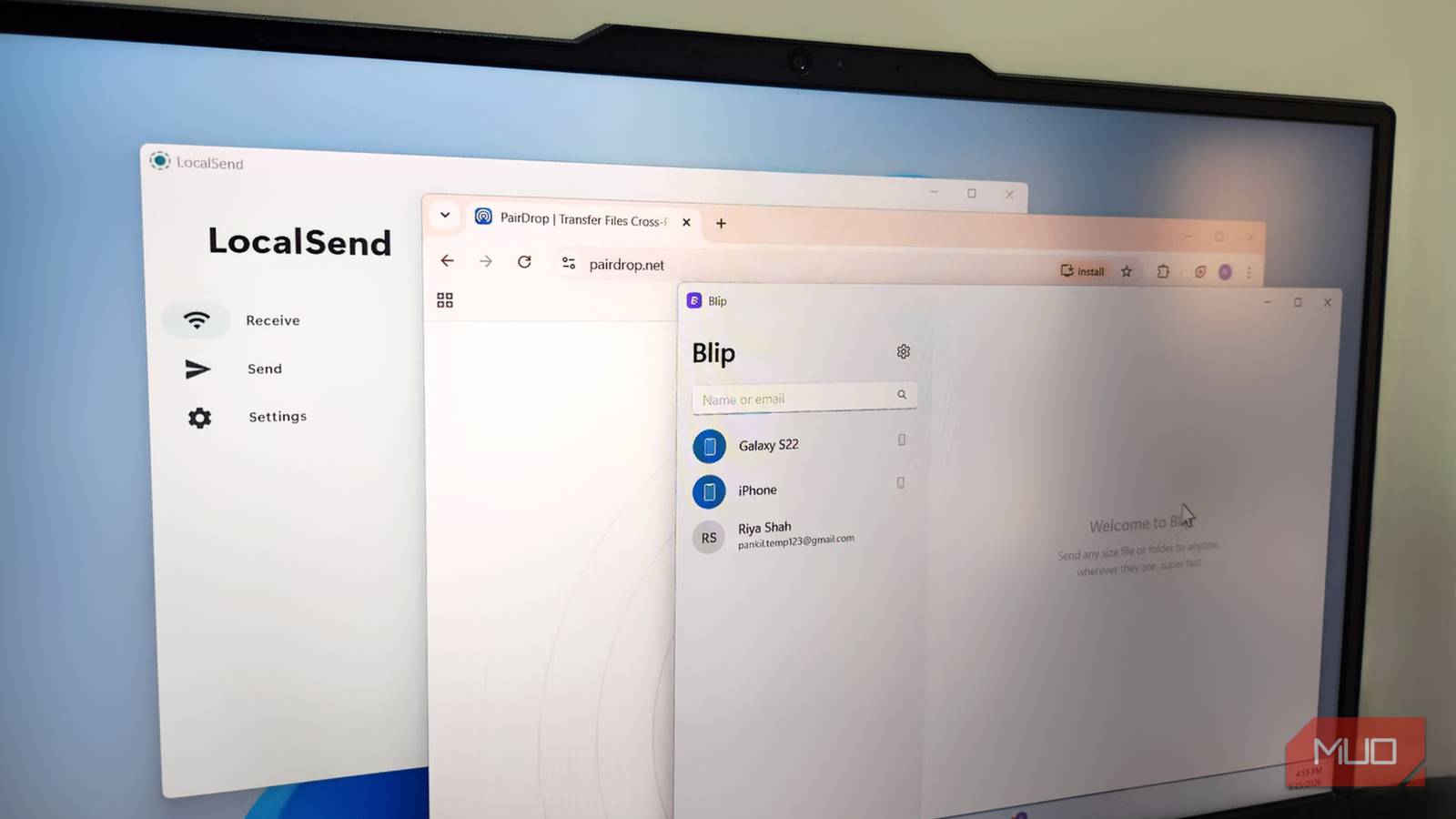
Tools like LocalSend and PairDrop are almost perfect for cross-device file sharing. They are easy to use, completely free, and rarely fail. And honestly, I didn’t think I had a problem with them until I tried Blip.
Blip brings the same file sharing convenience as LocalSend and PairDrop, but with slightly more flexibility. It lets me share files with devices that aren’t on the same network, doesn’t require me to accept transfers manually, and is ridiculously fast.

- OS
-
Android, iOS, Windows, Mac & Linux
- Price model
-
Free (Business plan available)
What Blip does better than the competition
Less friction, more flow

Most file sharing apps follow the same playbook. You open the app on both devices, make sure they are on the same network, and share files. It works, but it always feels like too many steps when all you want to do is share a single image. Blip removes several little annoyances that you don’t even realize are slowing you down.
First, Blip doesn’t require you to open the app on the receiving device at all. You just need to have it installed, and that’s it. Even better, when you’re sending files between your own devices, there’s no need to even accept the transfer. The file just goes through. Since I use file transfer apps to share files between my own devices, this alone saves me so much time.
Blip also works when both devices aren’t on the same Wi-Fi network. In such cases, it can use your device’s internet to share files. What makes this different from cloud sharing is that it doesn’t first upload the entire file and then download it onto another device. Instead, the moment you send the file, the other device starts downloading it directly. And since Blip can send files via the internet, you don’t need to keep both devices nearby like you would with AirDrop or Quick Share.
Blip is ridiculously fast and easy to use
It’s unlike anything you’ve tried
If there’s one thing that can make or break your file transfer experience, it’s speed. Everything else comes later. Blip claims to be at least twice as fast as most other services, and in my testing, it did prove to be quicker. It wasn’t exactly twice as fast, but it was consistently around 1.5x faster.
Of course, the difference is barely noticeable when you’re sharing a few photos. But when you want to share large ZIP archives and folders, the time savings become much more significant.
Using Blip is also as simple as it gets. When you first install it, you need to enter your name and email ID. Once you have Blip on all your devices, you just need to right-click a file, go to Blip, and choose the device. It’s all too seamless.
Sharing files with others only has one extra step. You need to type in the name or email ID of the other person in the search bar. After that, select the file you want to share, and you’re done. If you don’t want strangers to find you on Blip, there’s even an option to stay private in the app’s settings menu.
Transfer entire folders, all file types
No compromises

One of the quickest ways to ruin a file sharing app is by limiting what you can actually send. Blip doesn’t play that game. It can send pretty much everything you throw at it. Photos, videos, documents, and random project files.
Unlike PairDrop, Blip can even send entire folders. And unlike LocalSend, it doesn’t just dump all the files inside the folder and its subfolders. Instead, it maintains the full folder structure, so your transferred folder looks exactly the same on the receiving device as it does on the original one.
This is something that may not matter much to most people, but for someone like me who often needs to move organized work files, it’s a godsend. It saves me the hassle of arranging everything manually.
Finally, all of this comes without any restrictions on file size. You’re not forced to split folders or compress large files. Every file you share is encrypted using TLS 1.3 protocol, and the app is completely free to use with zero ads. So yes, you aren’t really making any compromises while ditching LocalSend or PairDrop.
Blip is not ideal for this one thing
Blip’s biggest strength is how seamless and automatic it is. But that same design also gets in the way of one-off transfers. Unlike PairDrop, you need to have Blip installed on both devices for it to work. It also needs your name and email ID, which isn’t something that most file sharing apps don’t ask for.
That extra setup makes Blip feel less convenient when you just want to quickly send a file to someone else’s device, especially if it’s a one-time thing. For those instances, I still prefer to use PairDrop, since it works whether both devices are on the same network or not.
Apart from that, Blip is my go-to for file sharing because it ticks every checkbox. It’s fast, free, and offers flexibility you don’t get with others.
