
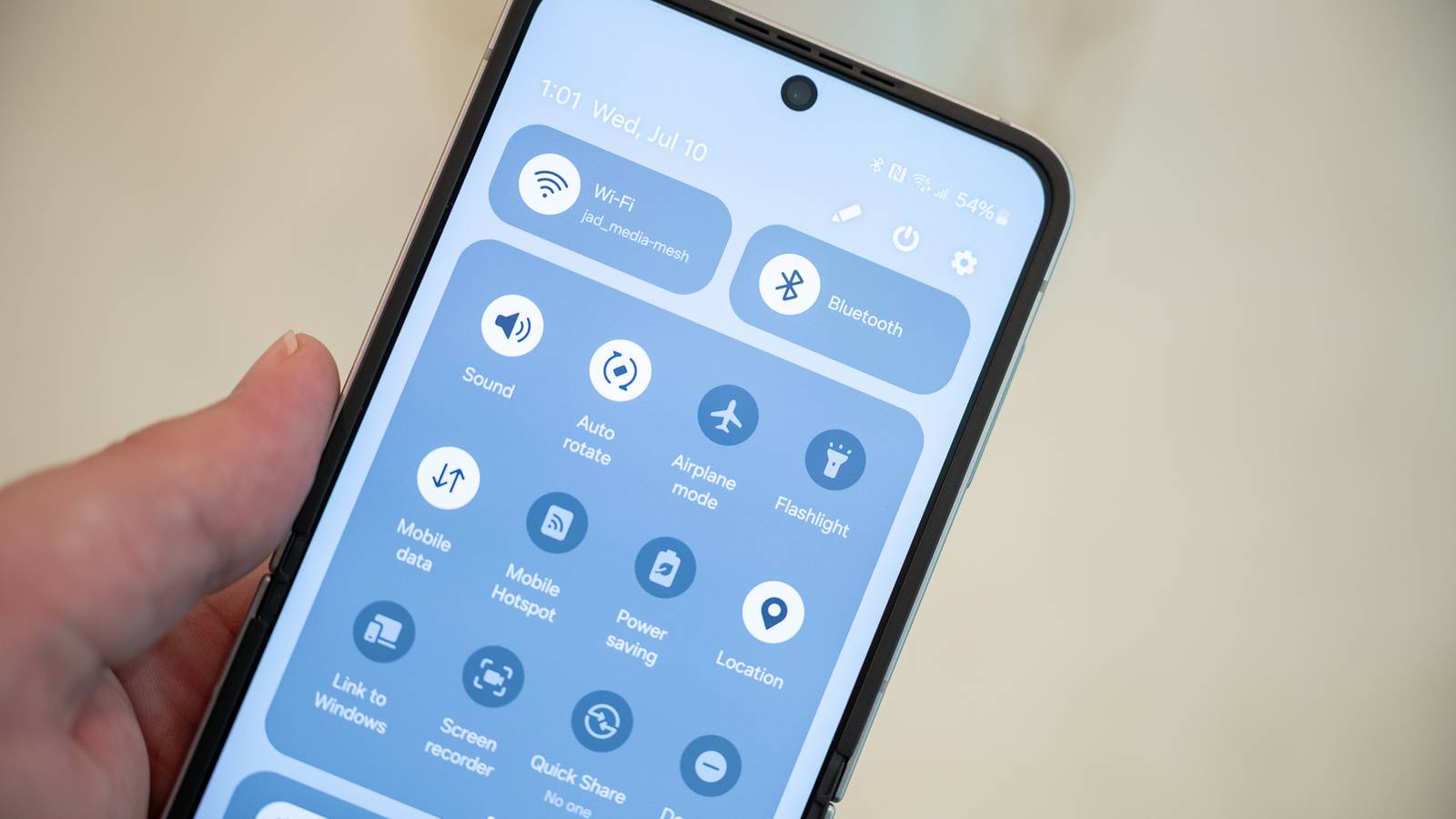
I’ve seen people keep their Wi-Fi and Bluetooth off and then turn them on each time they need to use a Bluetooth device or connect to a wireless network. When asked why, the most common answer is battery life. But are the gains from turning off Bluetooth and Wi-Fi big enough to be worth the hassle of having to constantly turn them on and off?
The answer is no, and I’ll tell you why. Bluetooth and Wi-Fi on your phone are low-energy radios and have a marginal effect on your device’s battery usage. While keeping them off can save you some battery, it’s not as much as you think, and surely not worth the hassle. In fact, there are small habits that do far more for your Android battery life than toggling these two radios ever will.
Wi-Fi and Bluetooth don’t drain battery like they used to
Modern radios are far more power-efficient than you’d expect

The advice to turn off Bluetooth and Wi-Fi comes from a time when these radios genuinely ate into your battery. But modern smartphones handle them very differently. Bluetooth, in particular, has come a long way. Today’s devices use Bluetooth Low Energy, which consumes almost no power when it’s on but not actively connected to anything. Even with a device paired, like wireless earbuds or a smartwatch, Bluetooth draws roughly 2.5 mW. To put that in perspective, that alone would take about three months to drain a typical phone battery. The idea that Bluetooth is a battery hog is one of several myths you can safely ignore.
Wi-Fi is similarly efficient. When your phone isn’t connected to a network, the Wi-Fi radio only scans periodically, drawing less than 1 mW in the process. And when it is connected, Wi-Fi actually uses less power than cellular data. A Wi-Fi connection draws about 30 mW, while cellular can pull anywhere from 50 to 500 mW, depending on signal strength and network activity. So in many cases, having Wi-Fi on and connected is actually saving you battery, not draining it.
How I tested and what I found
A 24-hour standby drain test across two phones
To find out whether turning off Wi-Fi and Bluetooth actually makes a measurable difference, I ran a series of standby battery drain tests across two devices: a Samsung Galaxy Note 20 Ultra and a Galaxy Z Flip 6. Both phones were set to Airplane Mode and Do Not Disturb, sitting completely idle with no active usage throughout the tests.
I used Airplane Mode deliberately to disable the cellular radio, which fluctuates in power draw depending on signal strength and background syncs. Do Not Disturb ensured no notifications would wake the screen or trigger background activity. This way, the only variable between each test was the state of Wi-Fi and Bluetooth, giving me a clean comparison.
With Wi-Fi and Bluetooth turned off, the phones drained roughly 13.7% over 24 hours, about 0.57% per hour. With both toggled on but not connected to anything, the drain rose slightly to around 17.1% over the same period, or about 0.71% per hour. That’s a difference of just 3.4% across an entire day. The Z Flip 6, with its newer Snapdragon 8 Gen 3, showed marginally better numbers across all tests, which is expected given the jump from a 7nm to a 4nm chipset.

The real surprise came when I connected the phones to a Wi-Fi network with a weak signal, just one bar. The drain jumped to 1.6% per hour, working out to roughly 38.4% over 24 hours. That’s nearly three times more than having Wi-Fi and Bluetooth off entirely. This happens because the Wi-Fi radio has to work significantly harder to maintain a weak connection, constantly retrying transmissions and boosting its power output.
That said, this worst-case scenario is unlikely for most people. At home or in the office, your Wi-Fi signal is typically strong and stable. When you’re out, your phone is either on mobile data or Wi-Fi, sitting idle. The weak signal situation really only applies to edge cases, like sitting at the far end of a large house or hanging onto a barely functional café hotspot.
It’s also worth noting that in real-world usage, with cellular active, apps syncing, and the screen on throughout the day, Wi-Fi and Bluetooth account for an even smaller share of total battery drain. The controlled test actually amplifies their impact relative to everything else. If they barely move the needle in a test designed to spotlight them, they’re not worth worrying about in daily use.
The real battery killers
Your phone’s power saver knows what actually drains the battery

When I need to conserve battery to make it home to a charger, I turn on Power Saving mode. And what’s telling is what it actually does. It doesn’t turn off Bluetooth or Wi-Fi. Instead, it races to disable location services and Super HDR, limit CPU speed to 70%, turn off Always-On Display, decrease brightness by 10%, set motion smoothness to standard, enable dark mode, and set the screen timeout to 30 seconds. In Maximum Power Saving mode, it goes even further, limiting app access, stripping home screen widgets and customizations, and pausing nearly all background activity.
That tells you where the real drain is. Your display, processor, location services, and background activity eat through battery far more aggressively than idle Wi-Fi or Bluetooth radios ever could. And then there’s the biggest culprit of all: cellular connectivity. Your phone spends a significant chunk of its battery just staying connected to your network provider’s towers, and that cost goes up dramatically when signal strength is poor.
If you’re serious about extending battery life, a deep power saver app like SaverTuner can make a far bigger difference than toggling Wi-Fi and Bluetooth. It lets you fine-tune what Android’s power saver actually does, giving you control over things like Doze timing, launch boost, and app standby behavior. On my Note 20 Ultra, it improved battery life by 15–20% over Samsung’s stock power saver alone. That’s a much better trade than the 3.4% you’d save by keeping Wi-Fi and Bluetooth off all day.
Keeping Wi-Fi and Bluetooth on still makes sense
The 3.4% difference from my tests isn’t nothing. In a low-battery emergency, it could be the difference between your phone lasting another hour or dying on you. But in day-to-day use, that margin is too small to justify the inconvenience. Forgetting to turn Wi-Fi back on means burning through mobile data. Forgetting Bluetooth means fumbling to reconnect your earbuds or smartwatch every time.
Beyond convenience, there are practical reasons to leave both on. Wi-Fi helps with assisted GPS, giving you faster and more accurate location data even indoors. Bluetooth is essential for Find My Device, where nearby phones detect your lost device’s signal and report its location. Keeping Wi-Fi on also means your phone automatically connects to trusted networks and backs up your data to the cloud on schedule. The benefits simply outweigh the fraction of battery you’d save by keeping them off.
