
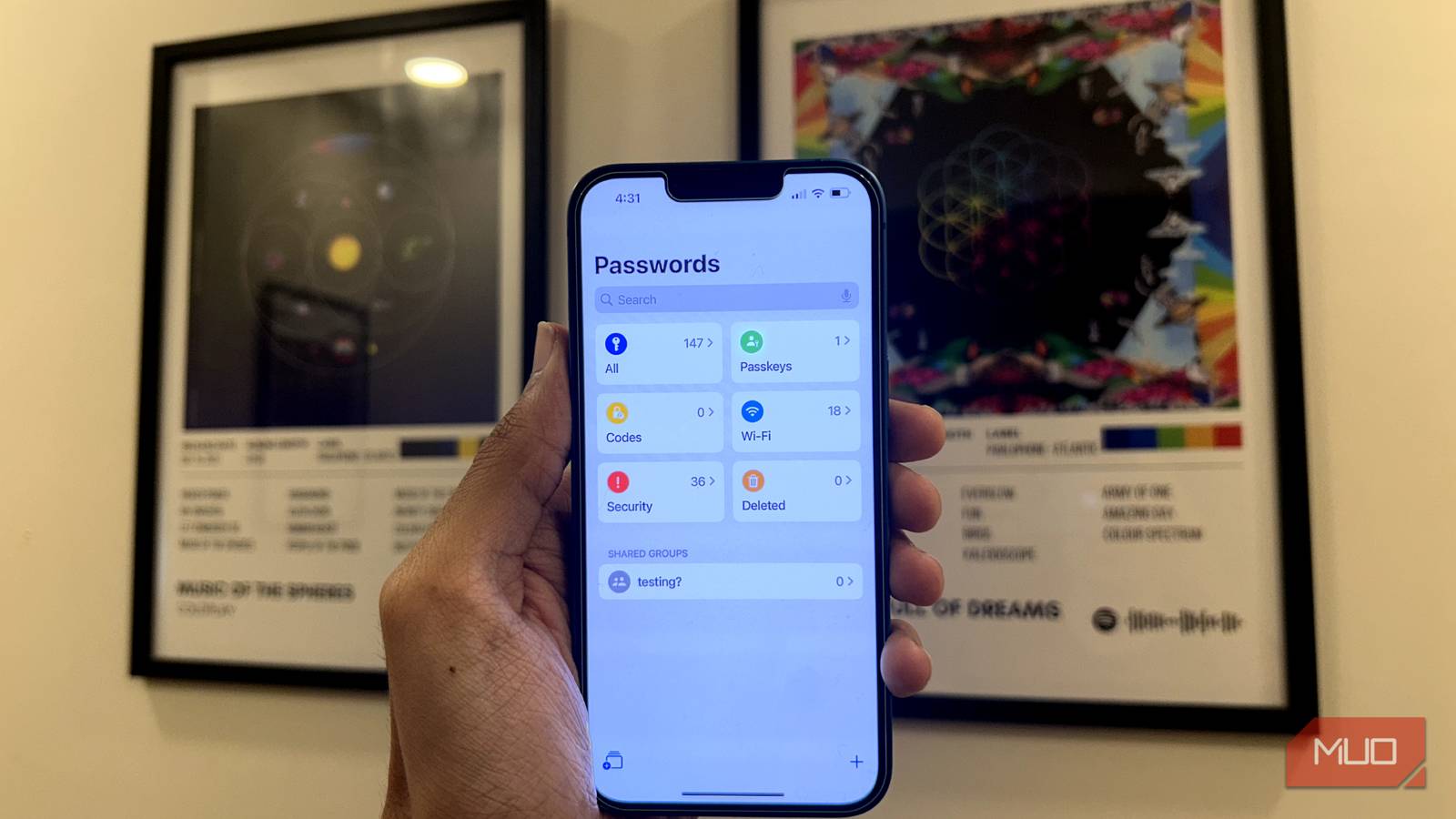
For years, IT departments have drilled the 90-day password change rule into our heads, and most of us never questioned it. The logic seemed sound when computing power was more limited and cracking a password hash took considerable time. The rule was to change your password regularly and stay secure. However, security experts, including NIST, have moved on from this advice, and modern alternatives like passkeys are making passwords obsolete.
Forcing frequent password changes often backfires, pushing people toward weaker passwords and predictable patterns. Modern attackers don’t slowly chip away at your password hash; they use phishing, credential stuffing, and social engineering. If you’re still rotating passwords every few months because someone told you to, it’s time to rethink that habit.

Frequent password changes weaken your security
Password fatigue pushes people toward shortcuts and predictable patterns

The irony is that the policy that was meant to protect you often does the exact opposite. When people are forced to change passwords constantly, they take shortcuts. You’ve likely done it yourself: Password1 becomes Password2, then Password3. Or perhaps, “Summer2024!” turns into “Fall2024!.” These patterns are predictable, and modern brute-force scripts are programmed to detect these exact incremental changes.
Password fatigue is real. Managing dozens of rotating credentials is exhausting, so people default to reusing passwords across accounts or making minimal tweaks to existing ones. Studies confirm this — users create weaker passwords when they know another mandatory change is coming soon.
I’ve seen this firsthand. People write passwords on sticky notes, store them in unencrypted text files, or add an exclamation point to meet complexity requirements. The constant rotation doesn’t improve security; it just trains people to game the system. When the goal becomes “pass the password check” instead of “stay secure,” something has gone wrong.
NIST now recommends a different approach
Length beats complexity, and rotation is out
NIST, the National Institute of Standards and Technology, updated its guidelines in Special Publication 800-63B, and the recommendation is clear. It recommends stopping mandatory periodic password changes. Passwords should only be changed when there’s actual evidence of compromise, not on an arbitrary schedule. Passwords should be at least 15 characters for single-factor authentication, and 8 characters may be acceptable if strong 2FA is used.
The updated guidelines also shift focus from complexity to length. A 16-character passphrase like “purple-mountain-coffee-rain” is far stronger than “P@ssw0rd!” and infinitely easier to remember. Those complexity requirements — uppercase, lowercase, numbers, and symbols — often lead to predictable substitutions that attackers can infer.
NIST also recommends screening new passwords against databases of known breached credentials. If someone tries to set “123456” or “password123” as their password, the system should reject it outright. This approach addresses real vulnerabilities without creating new ones through user frustration. The emphasis is to make passwords strong from the start, then leave them alone unless something goes wrong.
When you actually should change your password
There are legitimate reasons, but none of them involve a calendar

None of this means you should never change a password. There are legitimate reasons to update your credentials, but they’re just not tied to a calendar.
Change your password immediately after a confirmed data breach. Sites like “Have I Been Pwned” let you check whether your data appeared in known leaks. If a service you use gets compromised, don’t wait for them to force a reset — do it yourself.
Unexpected login alerts from unfamiliar locations, password reset emails you didn’t request, or account settings that changed on their own are all red flags. These warrant an immediate password change, plus a review of any other accounts using similar credentials.
You should also update passwords you’ve shared with someone who no longer needs access. And if you’re still using a weak password you created years ago before you knew better, now’s the time to fix it.
Modern security relies on more than just passwords
2FA, password managers, and passkeys do what rotation never could

Even a strong password isn’t enough on its own anymore. Two-factor authentication adds a second layer making stolen credentials far less useful. If someone gets your password, they still can’t access your account without that second factor — whether it’s a code from an authenticator app or a hardware security key.
Password managers solve the memory problem, and they generate long, random passwords for every account and store them securely. You remember one strong master password; the manager handles everything else. Most also alert you when a saved password appears in a breached database.
Passkeys are worth paying attention to as well. They replace traditional passwords with cryptographic keys stored on your device, authenticated through biometrics or a PIN. Google, Apple, and Microsoft all support them. Since there’s no password to steal, phishing attacks become pointless.
The goal isn’t to rotate passwords endlessly, but rather to make passwords harder to compromise in the first place. Enable 2FA everywhere it’s offered, use a password manager, and consider passkeys where available.
Your energy is better spent elsewhere
Stop rotating, start securing
The 90-day rule belongs in the past. Instead of scheduling your next password change, spend that energy auditing your current passwords for reuse and enabling 2FA on accounts that still lack it. Also, check whether your credentials have already been leaked. Security isn’t about following rituals — it’s about addressing actual risks. A password manager requires less effort than memorizing your fifth variation this year, and passkeys might eliminate the problem within a few years.
[ad_2]
Source link