
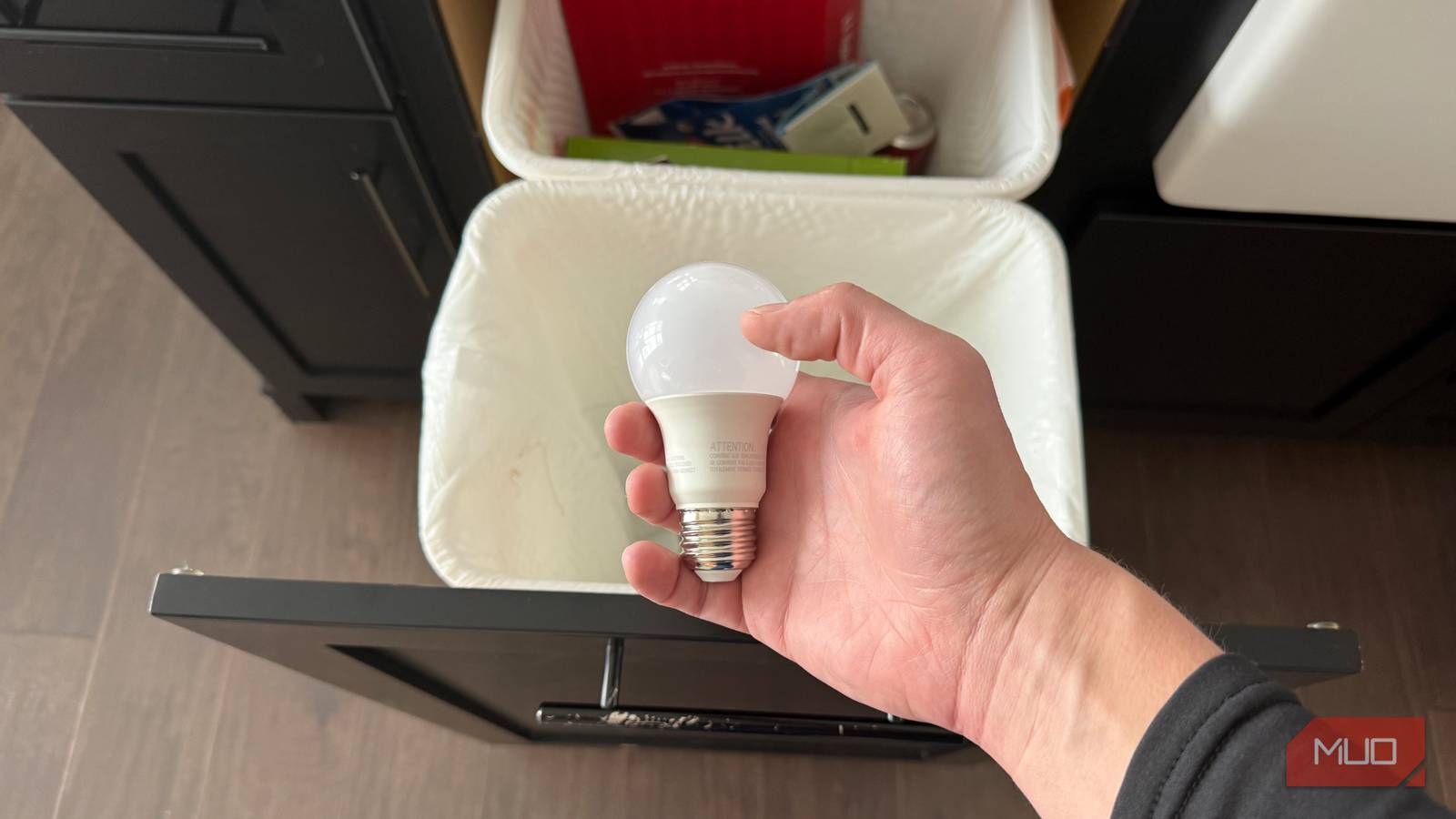
Wi-Fi smart bulbs promise an easy entry point into home automation. Screw one in, download an app, and suddenly you’re living in the future. At least, that’s how the marketing goes. After three years of building out my smart home with various lighting solutions, I’ve learned that Wi-Fi-only bulbs create more problems than they solve. The technology has fundamental limitations that manufacturers don’t advertise, and better alternatives exist at similar price points. Here’s why I stopped recommending them.
Wall switches turn smart bulbs into expensive dumb bulbs
Power dependency ruins the whole point

The dirty “secret” of smart bulbs is that they require constant power to function. Someone flips the wall switch off — out of habit, because guests don’t know better, or because your toddler thinks it’s funny — and you’ve got nothing but an overpriced LED that won’t respond until someone physically restores the circuit.
This creates a frustrating cycle I know too well. I installed Feit recessed lights throughout several rooms, configured perfect scenes, built Alexa routines for bedtime, and felt pretty clever about the whole setup. Then my wife walked in and hit the switch like a normal person would. The lights went dark, fell off the network, and stopped responding to voice commands entirely.
A few times, I had to cycle through the Feit app’s pairing process for every single light that dropped — tedious work that felt ridiculous for supposedly smart devices. I eventually found a solution that covers the switches entirely, but that’s an extra purchase to fix a problem that shouldn’t exist in the first place. I also upgraded to Philips Hue in other parts of my home.
Your Wi-Fi network wasn’t built for this
Too many devices, not enough bandwidth

Think about what your router already handles — phones, laptops, tablets, streaming sticks, maybe a gaming console or two. Now add a smart bulb, then another. Four in one room alone if you’re doing recessed lighting. My kitchen has five. Each one needs its own connection, and routers have limits. The cheap one from your internet provider wasn’t designed to manage forty or fifty devices at once, and that’s exactly where a bulb-heavy smart home ends up.
Most budget smart bulbs only operate on the 2.4GHz band, which makes things worse. The 2.4GHz band is a crowded place. Your neighbors are on it. So are your microwave, your baby monitor if you have one, and probably a dozen gadgets you’ve forgotten about. Toss more smart bulbs into that mix, and nothing explodes right away — but you’ll notice commands taking longer to register. Lights that worked fine last month start dropping offline for no obvious reason. The more you add, the worse it gets.
Bluetooth range vanishes the moment walls get involved
Physics works against you

A lot of cheaper smart bulbs use Bluetooth, and on paper, that seems fine. Pair it with your phone, control it from an app, done. But Bluetooth has a range problem that nobody mentions on the packaging. The signal degrades quickly through drywall and studs, and even a single room away from the source device can push you past reliable range.
I learned this the hard way with Feit Electric color-changing recessed lights. Even with my enterprise-grade Ubiquiti Wi-Fi system with optimal coverage, the Feit bulbs dropped off regularly. Perfect signal strength on paper meant nothing when the lights refused to stay connected.
Bedtime routines became a coin flip — sometimes the kids’ lights responded, sometimes Alexa told me the devices weren’t available. I ran through every fix I could find online—different channels, closer placement, full resets, and even switching apps. The disconnections kept happening. My router and access points weren’t the issue — the fundamental way these bulbs transmitted data was the weak link all along.
Reconnecting becomes a part-time job
Troubleshooting eats into your free time
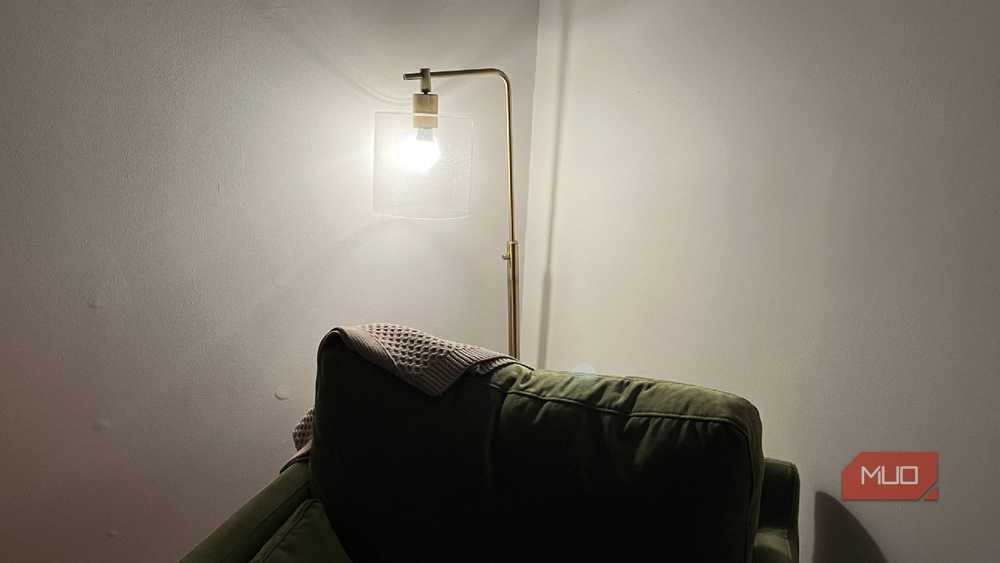
Power outages happen. Internet hiccups occur. Someone inevitably uses a wall switch. When Wi-Fi smart bulbs lose their connection—and they will — the process of getting them back online ranges from mildly annoying to genuinely maddening, depending on the brand and your luck that particular day.
Some bulbs reconnect automatically within a few minutes. Others sit there unresponsive until you open the manufacturer’s app, hunt through menus, and manually re-pair each one. The worst offenders require full factory resets before they’ll cooperate again. Managing one problematic bulb is tolerable. A house full of them means you’re spending real chunks of your week playing tech support for your own lighting.
Hub-based systems handle this completely differently — my Philips Hue Bridge brings everything back online automatically after outages without me lifting a finger.
Smart switches handle most rooms better anyway
One device controls everything on the circuit
I now have color-changing Hue lights in my kids’ rooms, and they love them. But the kitchen? The hallway? My home office? Those rooms just need to turn on, dim when I want them dimmer, and respond when I ask Alexa. That’s it. Smart switches do exactly this, and they do it better than individual bulbs ever did for me.
Here’s why: a smart dimmer switch ties into your home’s wiring and controls every fixture on that circuit at once. Power stays constant, network connections remain stable, and the physical switch still works normally for anyone who prefers it. Visitors control the lights without realizing there’s any automation behind them.
Voice commands respond immediately and consistently. One switch at $20–$25 replaces the need for multiple $15–$20 bulbs, eliminating maintenance headaches entirely. Yes, installation requires basic electrical work or hiring someone who knows what they’re doing. That upfront effort pays off through years of reliable operation.

Smart bulbs are overrated because smart switches do the job better
After years of using both smart lights and smart switches, I’m confident that switches are better.
Hub-based systems exist for good reasons
Dedicated protocols beat shared Wi-Fi
Zigbee, Z-Wave, and Thread are wireless protocols specifically engineered for smart home devices because engineers recognized that Wi-Fi wasn’t the right tool for this job. These systems use dedicated hubs that handle device communication completely separate from your internet traffic.
The architecture changes everything. Zigbee doesn’t work like Wi-Fi at all. Each device can pass signals along to the next one — so that hallway light you installed last week is now helping reach the back bedroom. Your coverage grows as you add devices. One wired connection between the hub and your router handles all the device traffic, keeping that communication entirely off your Wi-Fi. Lost your internet connection? The lights still work. The hub talks to the bulbs directly, no cloud required.
The Philips Hue Bridge does this. So does Ring for their sensors and alarm components. Aqara and Samsung SmartThings built their ecosystems around the same idea. If you already have a 4th-gen Echo or newer sitting in your house, there’s actually a Zigbee hub inside it.
The smart home devices that have worked best for me over the years almost universally connect through these dedicated protocols rather than competing for Wi-Fi bandwidth.
The math stops favoring budget bulbs quickly
Hidden costs add up faster than you’d expect

At first glance, a $15–$20 Wi-Fi bulb looks way more economical than a $40–$50 Hue bulb. That calculation falls apart once you factor in the hidden costs that accumulate over time.
Cheap bulbs fail more frequently and need to be replaced sooner. The hours you spend troubleshooting connections, factory resetting unresponsive units, and re-adding devices to apps have real value. One smart switch can replace four or five individual bulbs per room at a fraction of the combined cost.
The premium you pay for quality hub-based systems includes ongoing software updates, responsive customer support, and mature ecosystems that actually work together. After living with both approaches, my “expensive” lighting setup costs less per hour of trouble-free operation than the budget alternatives ever did.
Your lights should just work
Look, I’m not saying Wi-Fi smart bulbs are garbage. They’re fine for a lamp in the corner, some accent lighting near a TV, or a single fixture where reliability isn’t critical. I still have a few myself. But when you build your entire lighting system around them, things will fall apart.
Start with a hub-based system or smart switches in your most-used rooms. Build from something reliable. Expand once you’ve proven the core setup works. The goal isn’t impressive technology — it’s lights that respond the first time, every time, without requiring you to become your household’s unpaid IT department.
[ad_2]
Source link