
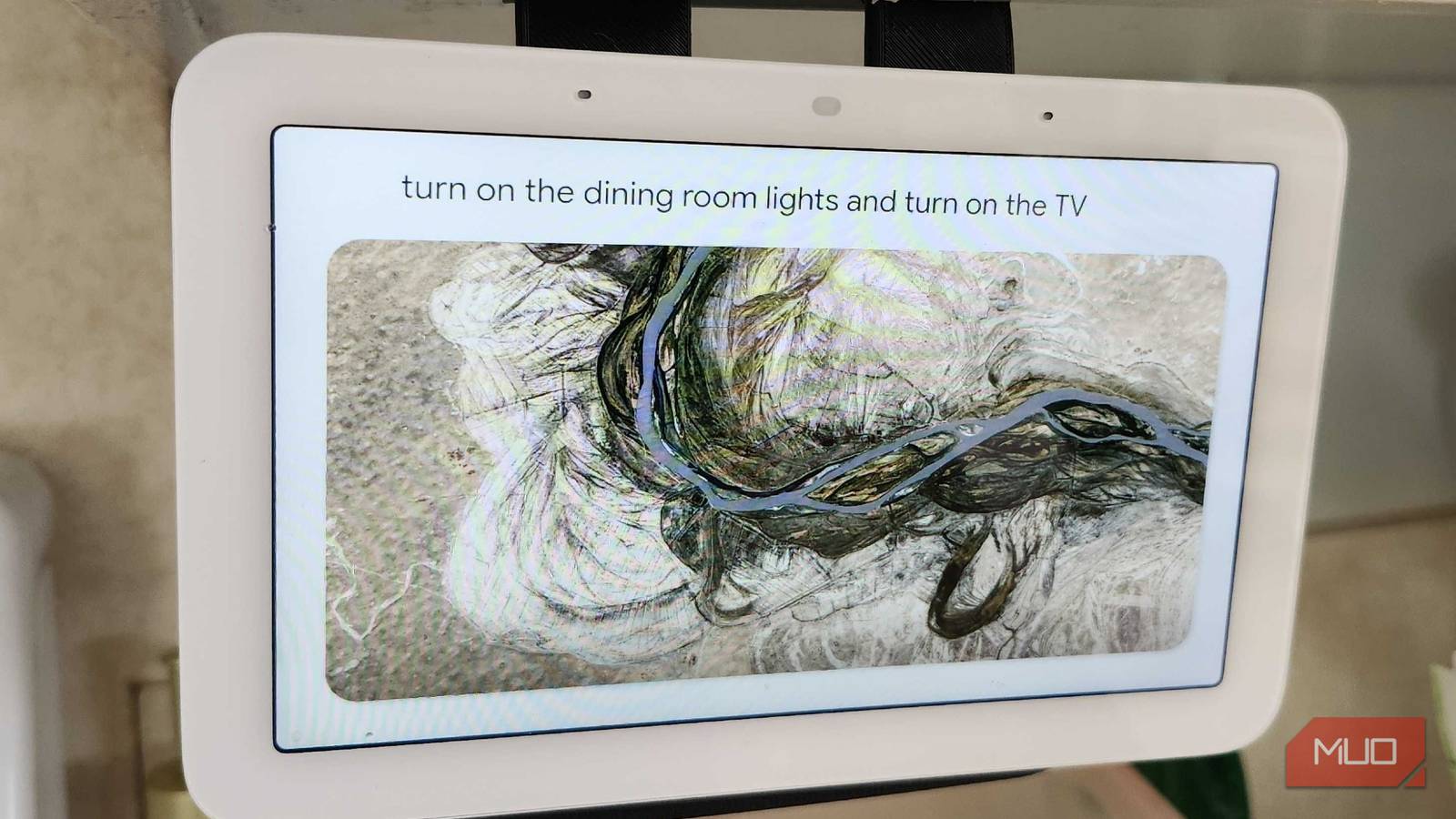
Technology is advancing at an alarming rate, and I’m glad that I’m here to witness it happening in real time. Sure, we’re still years away from hitting the levels of “Smart House” as shown in movies and TV shows, but we’re getting there slowly and surely. Being a part of the Android ecosystem and recently upgrading my Nest Home Hub to Gemini has shown me just what the future could look like, especially when it comes to making my house run efficiently.
While I wait for Ultrahouse 3000 and Pierce Brosnan to find their way into my home, I can at least make my home feel a little more futuristic with a few simple routines that make it feel like my surroundings are catering to me. Plus, I don’t have to worry about Gemini plotting terrible things against me like a Treehouse of Horror episode.
Setting a game or movie automation
A few words make a ton of changes

At the end of the day, I love to sit down and enjoy a game or a movie. When I ask my Nest Hub to start my custom-made game or movie routines, my lights will automatically adjust, my volume will be raised or lowered, and my Google TV will automatically turn on. If I run this automation directly from my phone, it can also put my ringer on silent, so I’m not bothered by anyone trying to encroach on my free time.
I can add specific triggers through the Home application or directly on my Nest Home Hub. This way, I can visualize exactly what I want it to do and specifically tweak which lights or devices I want activated or changed during the routine.

Gemini isn’t as useless as it was when you tried it two years ago
AI that I first despised is now my Google Assistant replacement.
“Away” and “Return” modes
I don’t need the heater running while I’m gone
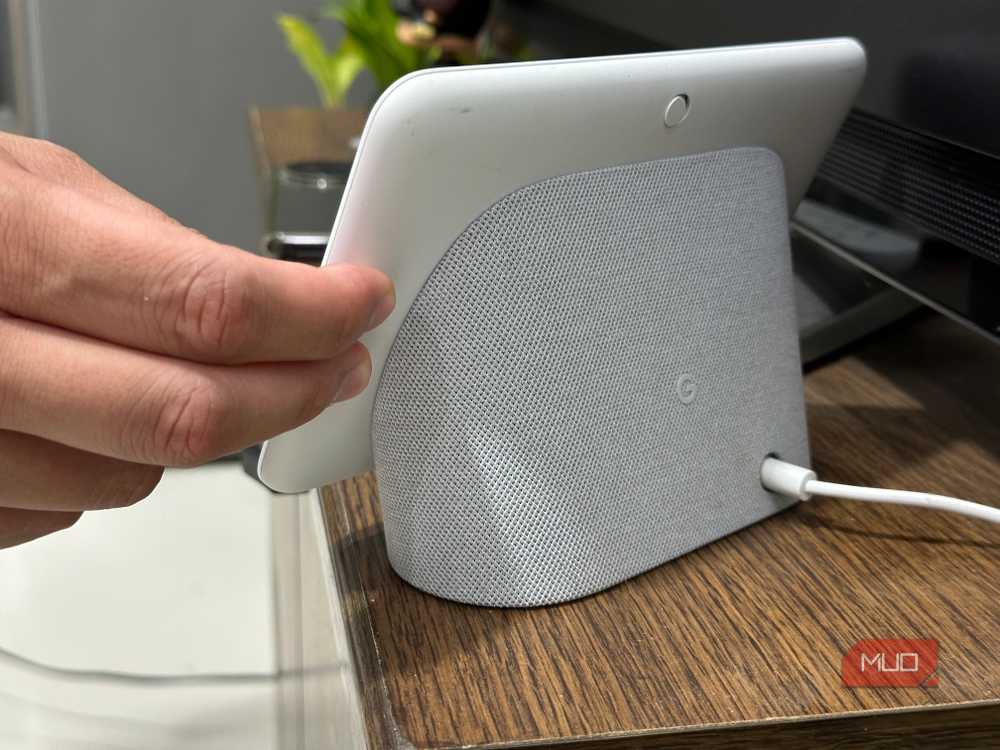
While this feature has been around for quite some time, I’ve finally gotten enough smart home tech in my home to utilize it properly. Seeing as I have a smart thermostat, plenty of smart bulbs, and even some smart locks around the house, as soon as my “signal” leaves the home, my Gemini-powered Hub takes care of things for me.
Turning down the heat or the air conditioning, turning on lights, and it could even lock doors if I forgot to check them, if my Smart Lock had Wi-Fi connectivity. It does everything I need and just about everything in between. Return does the same, but in reverse. It feels like I have a robo-butler living in my house, and it’s such a nice feature for me and the family. Since my brother is in a wheelchair, having automations like this set up in his home saves him time, effort, and energy.
The “Good Morning” routine starts the day right
News, weather information, and everything else within earshot
One of the best routines that comes automatically with Gemini (or Home Assistant, for that matter) is the “Good Morning” routine. Just like you’d welcome a friend, just say “Hey Google, good morning” to get a healthy dose of news, weather information, and even some media adjustment.
I can also customize this however I’d like and add additional triggers, especially if I want it to start playing music afterward. I love listening to our local radio station, so I could add a trigger to start playing 102.3 The Bug on TuneIn if I’d like. But for now? Hearing what’s going on around the world and if I need to bundle up when going outside is more than enough.

- Brand
-
Nest
- Display
-
7″ Touchscreen
- SMART ASSISTANTS
-
Gemini
Reading books is much more relaxing now, too
‘Focus Time’ sets the mood and gets me ready to dive in

I recently dug my old Kindle back out, as I promised myself I was going to start reading a bit more. Sure, I love playing games and consuming different types of media, but getting back to the basics and losing myself in a good book is always a good plan. By setting up a “Focus Time” routine on my phone, my Nest Hub will turn down the lights, change its color, and play some soft music in the background. Nothing pairs together as well as some classical music and a good book.
It’s also a great reminder to just take a minute to relax and disassociate from the real world for a bit. I’ve been organizing my collection of eBooks on my PC for a while, and there’s never been a better time to finally start cracking into that list.
“Goodnight” Routines when it’s time to sleep
Smart plugs are perfect for things like this

I’m one of those types of people who always need some sort of noise going while they’re sleeping. Typically, this noise and a slight breeze come from a box fan that’s connected to a smart plug in my bedroom, and with a quick “Goodnight” to my Nest Hub, I’m ready to hit the hay. My fan turns on, and one of the lights in the living room turns off while the other dims to 1%. I leave a light on for my cats — even though I know they can see in the dark, it just makes me feel a little better about not leaving them in complete darkness.
Plus, with my “Good Morning” routine, it turns my fan and the lights off completely. Then, I’m ready to hear about what the day has to bring, and I’m ready to tackle the day easily.
[ad_2]
Source link