
I have been a proponent of smart lighting since I installed the first bulb in my home. I’d lived in apartments for years and had never thought I needed smart lighting. But when I moved into my house, it seemed like a reasonable idea to have lights that could be turned on even when no one was in the room.
Turning on a light from somewhere else to make it look like someone’s home is a nice security feature. But it also makes sense to get into a routine with your smart lighting. The only automation experience I had was plugging in Christmas lights into an outdoor timer and having them go off as the sun went down to make the house light up from the street. I had some learning to do on if and when automations made sense for my indoor smart bulbs. I found a few scenarios and automations that have changed my smart home forever.

Setting my daughter’s lights to turn off at a certain time
This was a no-brainer decision

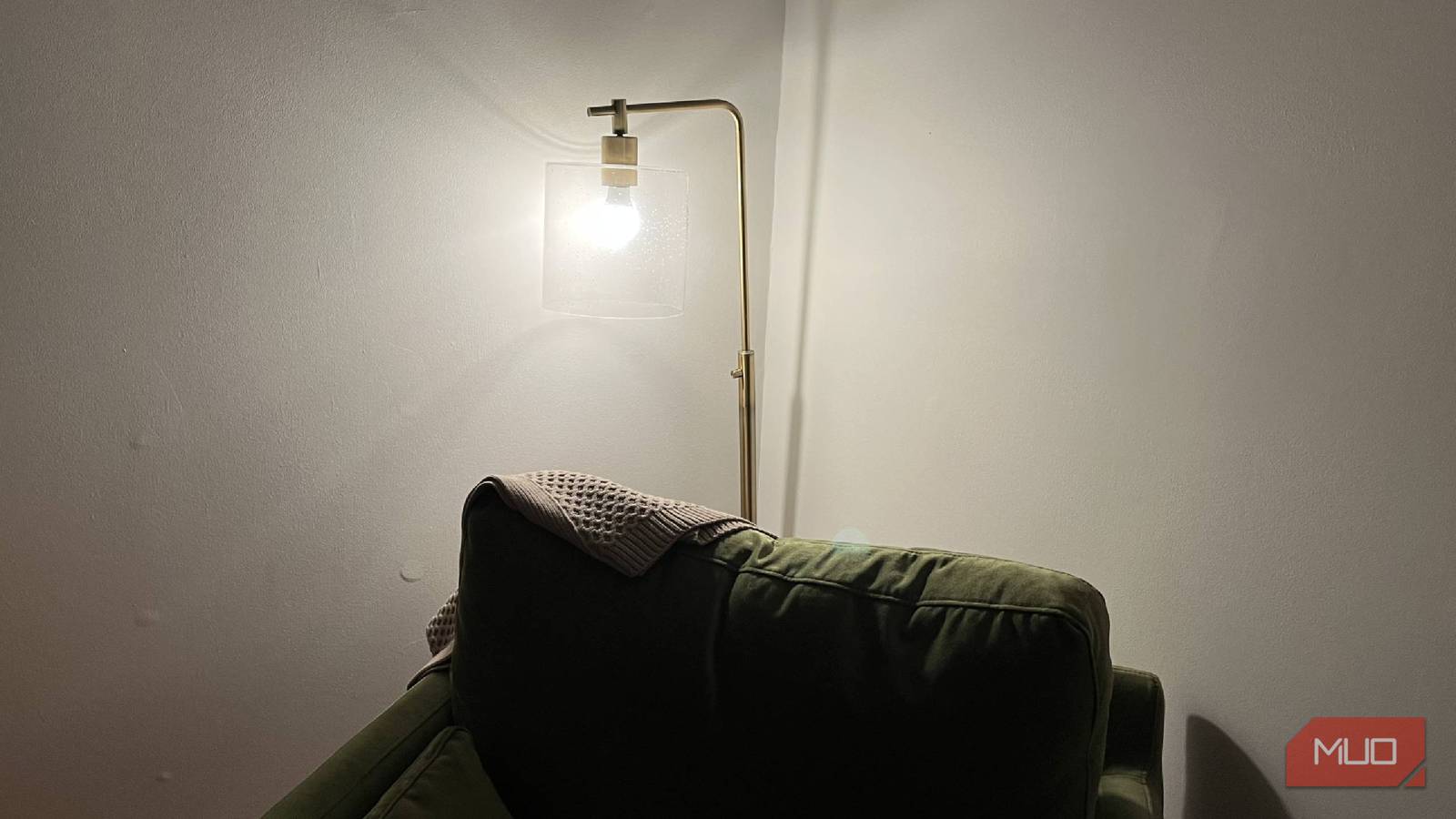
My daughter has an overhead light and fan combination in her room. It has an LED light that can’t be replaced, so we just control it with the remote control that comes with it and don’t think much of it. The lamp seen above is on a table in her room and has a WiZ A19 smart bulb in it.
As she transitioned out of a crib and into a bed, we still wanted to keep bedtime at a set time (within reason). We set an automation schedule for a certain time every night to help wind down. It first starts with dimming the light to 30% for a few minutes before having it shut off entirely.
This is a nice way to ease into bedtime, which can be challenging for a toddler. The big transition from crib to bed was also a challenge, so any way to kind of use visual cues to signal that it’s time to go to sleep was our way of trying to psychologically prepare her.
Over time, it has worked nicely. It doesn’t work well every day, but that’s what you can get with toddlers. However, not having to play with the app or tell my Amazon Echo speakers to turn the light off is really helpful. We are almost always in her room at around 7 pm, so we don’t need to set a time for it to turn on. Having it shut off on its own is a boost.
Use motion sensors to trigger lights
I’ve had mixed success, but it does work
Motion sensors are an easy way to have your lights turn on. If you have any outdoor lighting, many of them offer motion sensor features that will turn your light on when it picks up any motion. You can usually set the sensitivity level on your sensor, so it can tell the difference between the wind causing something and actual motion.
It doesn’t always work great, but no technology is perfect. I have had a few experiences with motion sensors, and not all of them have been positive. The best motion sensor I’ve tested is the Meross MS600, which is incredibly accurate and quick to cause a reaction in the lighting.
I like it because it can sync up with my Amazon speakers, but also with Google Home, Apple HomeKit, other Meross products, and offers easy adaptation to Home Assistant automations. I synced a WiZ smart bulb to the Meross MS600 so that a lamp in my dining room would turn on if anybody entered the room. The MS600 automated the action through the Alexa app, making it an easy process once I’d linked the two together.
Because my WiZ light bulb was already in the Alexa app, it made it easy to connect those two devices. I found it worked right away about 90% of the time, while the other 10% was either a bit of a delayed response or no response at all.
I preferred the MS600 because other ones I’ve tested, such as the Aqara Motion and Light Sensor P2, haven’t given me the same experience. That struggled to connect to my Wi-Fi often, and the automation rarely worked as it was meant to. I’ve also used Govee Outdoor Motion Sensors in the past with mixed results. That one rarely actually activated and triggered the lights to come on. I used that with Govee Outdoor String Lights and was less than impressed.
It can be a bit of a toss-up, so you have to make sure you have the proper devices, as some of them require hubs to make the connection between the motion sensor and the light.
Automate your lights when you’re not home
Make it look like you are, though

Let’s say you’re going away for a weekend. You can set your lights to turn on when you aren’t there. This can make it look like you’re home, in order to dissuade potential criminals from thinking your home is an easy target.
You won’t have to go to the elaborate lengths that Kevin McAllister went to in Home Alone to make it seem like there’s a party happening. Having some lights turn on and some turn off at the same time throughout the day and night will make it look like you’re home.
A way around making it obvious that you aren’t home is by varying the schedules. Having one room’s lights turn on at a certain time one day and not having them turn on at that time every day keeps the random nature of being home and turning on lights alive in the mind of anyone looking at your home.
This takes some planning, so you’ll want to schedule out your lights either in their apps or within your smart home hub’s app. Having to manually turn them on from your phone at random times is not worth it, so automating this process makes a ton of sense.
Adjust the color of your lights based on the time of day
Having color-changing bulbs has been fun

So there might not be a time of the day when you absolutely need to have blue lighting. But you can adjust your lights based on the time of day to make it easier to see.
Red lighting is supposed to help circadian rhythms, which is why people like to use red light to sleep. Brighter lights, such as high-intensity white light, are meant to make you stay away.
You probably want to be the most awake during your workday, so having white light in the middle of the day is a smart decision. But as the day is winding down, toning the color down to a softer white or even an orange light can help you adjust to nighttime.
I have two WiZ A19 color-changing bulbs that are easy to adjust. I can either change the color in the WiZ app or tell Alexa to adjust them. Setting up a schedule with the set color choices in the WiZ app is simple, making it a fun way to adapt to the day.
Smart light automations make your life easier
It doesn’t matter if you’re at home or out of the house. You can adjust your lighting with automations for every occasion. These smart bulb automations just help you flow into your day better. You can try using them with motion sensors to avoid needing to use a schedule. Smart bulbs can be controlled in many ways, and having them set up in automation takes the manual control out of your hands. I’m saving up to afford more smart bulbs in the future to do more automations.
